
Most restaurants leave holiday money on the table because they treat the Christmas menu like a design job instead of a selling system. That's backwards. A holiday menu should push high-margin choices, reduce ordering friction, and help your team handle busy service without constant explanations, reprints, and corrections.
The opportunity is bigger than most operators think. Digital menu boards, which sit behind many modern in-store seasonal menu rollouts, were valued at over $2.6 billion in 2022 and are projected to reach nearly $3.9 billion by 2028. That growth isn't about decoration. It's about operators using dynamic menus to cross-promote, upsell, and update fast.
Your Christmas menu is a revenue engine, not a design task. A strategic holiday menu does more than list festive dishes. It can lift average order value, reduce staff workload, and make the guest experience smoother during the most chaotic trading period of the year. The best Christmas menu templates don't just look seasonal. They help you sell bundles, feature profitable add-ons, and keep prices, allergens, and availability accurate.
This guide skips the fluff and gets straight to the best options. The list is organized into four useful groups: dedicated restaurant platforms, flexible design tools, professional marketplaces, and integrated print services. Pick the one that fits your operation, then use it like an operator, not a hobby designer.
Table of Contents
- 1. MustHaveMenus
- 2. iMenuPro
- 3. Canva
- 4. Adobe Express
- 5. VistaCreate by VistaPrint
- 6. PosterMyWall
- 7. Envato Elements
- 8. Creative Market
- 9. Vistaprint
- 10. Marq formerly Lucidpress
- Top 10 Christmas Menu Template Comparison
- Turn Your Template Into a High-Performing Holiday Menu
1. MustHaveMenus
If you run a restaurant and want Christmas menu templates built for actual restaurant use, start with MustHaveMenus.
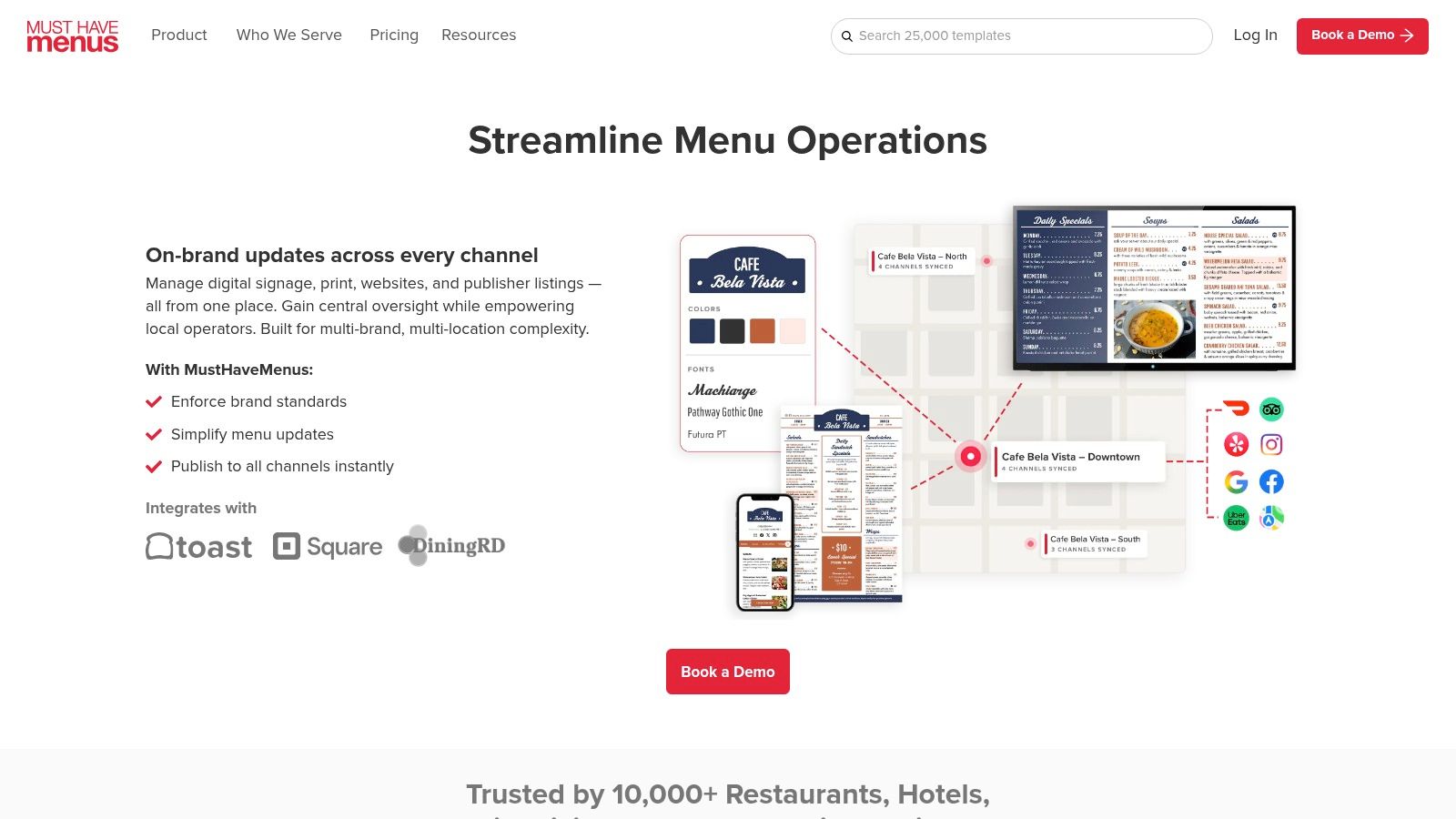
This platform is restaurant-first. That matters. You get a large hospitality-ready template library, one-click print ordering, PDF export with full bleed, QR menu generation, POS sync with Toast and Square, multi-location controls, and a digital display add-on. If you want one Christmas menu design to show up in print, on a QR menu, and on a screen behind the counter, this is one of the cleanest ways to do it.
Why it works in real operations
A lot of holiday menu tools stop at design. MustHaveMenus doesn't. It supports the workflow operators require during December: update an item, push the change fast, and keep every guest touchpoint aligned.
Use it when you need:
- One seasonal design across channels: Print cards for tables, publish the same menu to QR, and mirror promos on digital signage.
- Multi-location control: Head office can keep the brand consistent while locations adjust local items, pricing, or hours.
- Less production friction: Teams don't have to rebuild the same Christmas menu in three different systems.
Practical rule: If your Christmas menu exists in more than one format, choose a tool that treats the menu as data, not just artwork.
The downside is simple. The best value sits in annual billing, and stronger features are tied to higher plans and per-location pricing. For independents with one short holiday run, that can feel heavier than a pure design app. For groups, it usually pays for itself in fewer mistakes and faster rollout.
2. iMenuPro
iMenuPro is the pick for operators who care more about speed and control than trendy visuals.
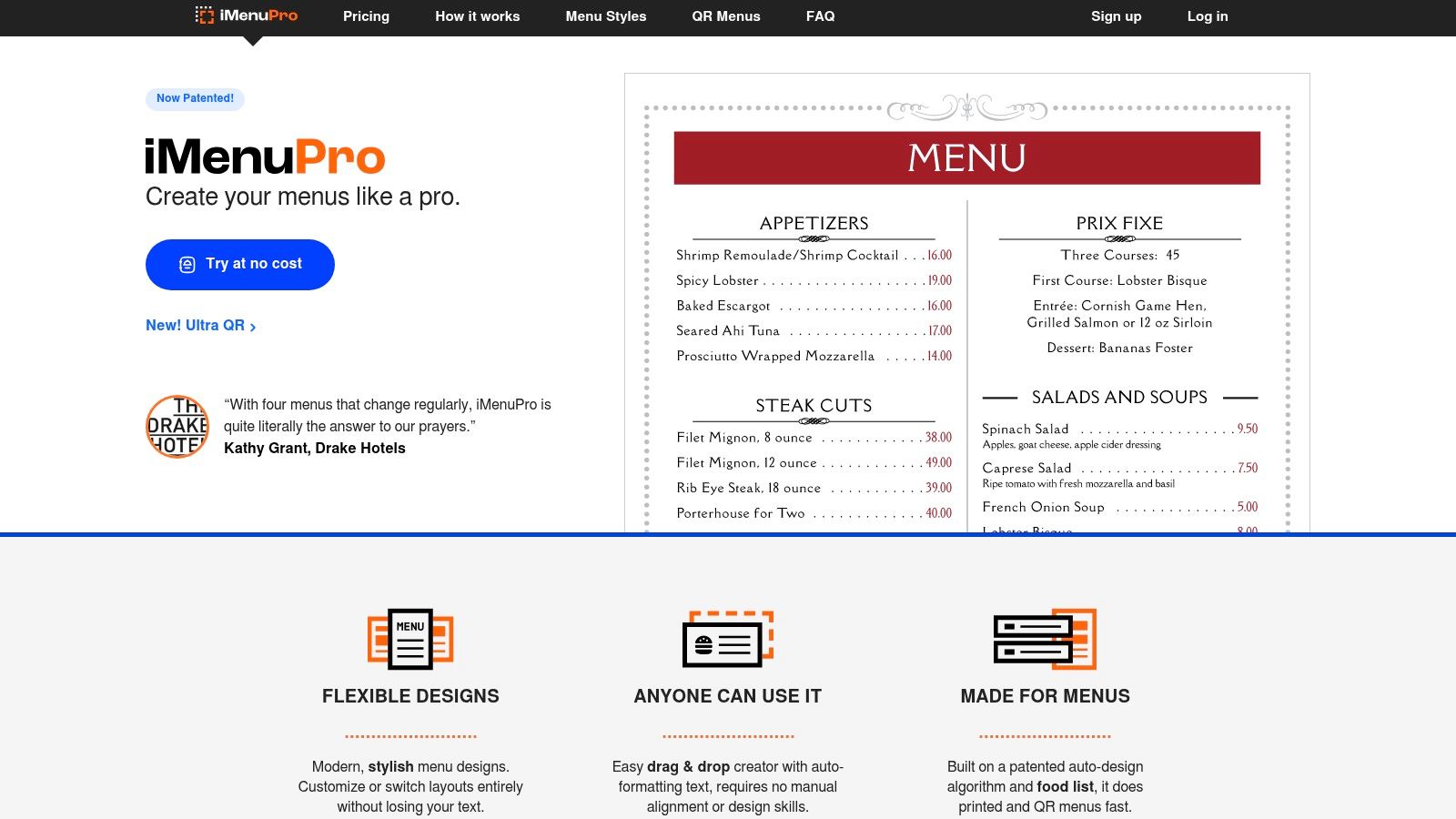
It's been around for years, and that shows in a good way. Holiday categories are already built in, including Christmas and New Year's. Auto-formatting and style sync make updates fast, and you can export print-ready PDFs or spin up an instant QR menu from the same source.
Best use case
This is strong for limited-time festive offers that keep changing. If your chef swaps sides, your supplier changes availability, or you need to revise prices mid-service, iMenuPro handles that without blowing up the layout.
It also supports multiple QR locations at no extra cost, which is useful for dining rooms, bar tops, takeaway counters, and hotel event spaces.
A practical example:
- A bistro runs a Christmas lunch menu in the dining room.
- It offers a trimmed-down festive set menu in the private room.
- It needs the bar menu to feature mulled drinks and desserts.
- iMenuPro lets the team keep formatting consistent while changing the actual content quickly.
The aesthetic is more functional than fashion-forward. That's the trade. If you want ultra-polished creative styling, Canva or Adobe Express will feel more flexible. If you want a stable system that helps managers update holiday menus quickly without layout chaos, iMenuPro is a smart operational choice.
Good Christmas menu templates shouldn't force your manager to become a designer during Friday service.
3. Canva
Canva is still the fastest way for many groups to turn a rough idea into polished Christmas menu templates.
The strength here is volume and flexibility. You get thousands of menu and Christmas designs, simple drag-and-drop editing, brand kits, team collaboration, version history, and easy export across web and mobile. For restaurant marketers juggling menus, table talkers, social posts, and email graphics, Canva is hard to beat.
Where Canva wins
Canva is ideal when your biggest problem is creative speed. A café group can mock up three different festive menu styles in one afternoon, apply brand colors, and send options to the GM for approval without waiting on an agency.
It's also useful when design and menu strategy need to work together. If you're reviewing item placement, visual hierarchy, and upsell blocks, pair your design work with practical restaurant menu optimization guidance. The design should support what sells, not just what looks festive.
Use Canva when you need:
- Fast concepting: Test elegant, playful, premium, or family-focused holiday looks.
- Easy collaboration: Marketing, operations, and store managers can all review the same file.
- Cross-channel consistency: Build menus, stories, posters, and email headers in the same brand style.
The catch is that Canva is still a design platform first. It won't solve live availability, instant price updates, or deeper menu analytics on its own. Also check asset licensing before commercial print runs, especially if different team members pull in different elements.
4. Adobe Express
If your team already lives in Adobe, Adobe Express menu templates make sense.
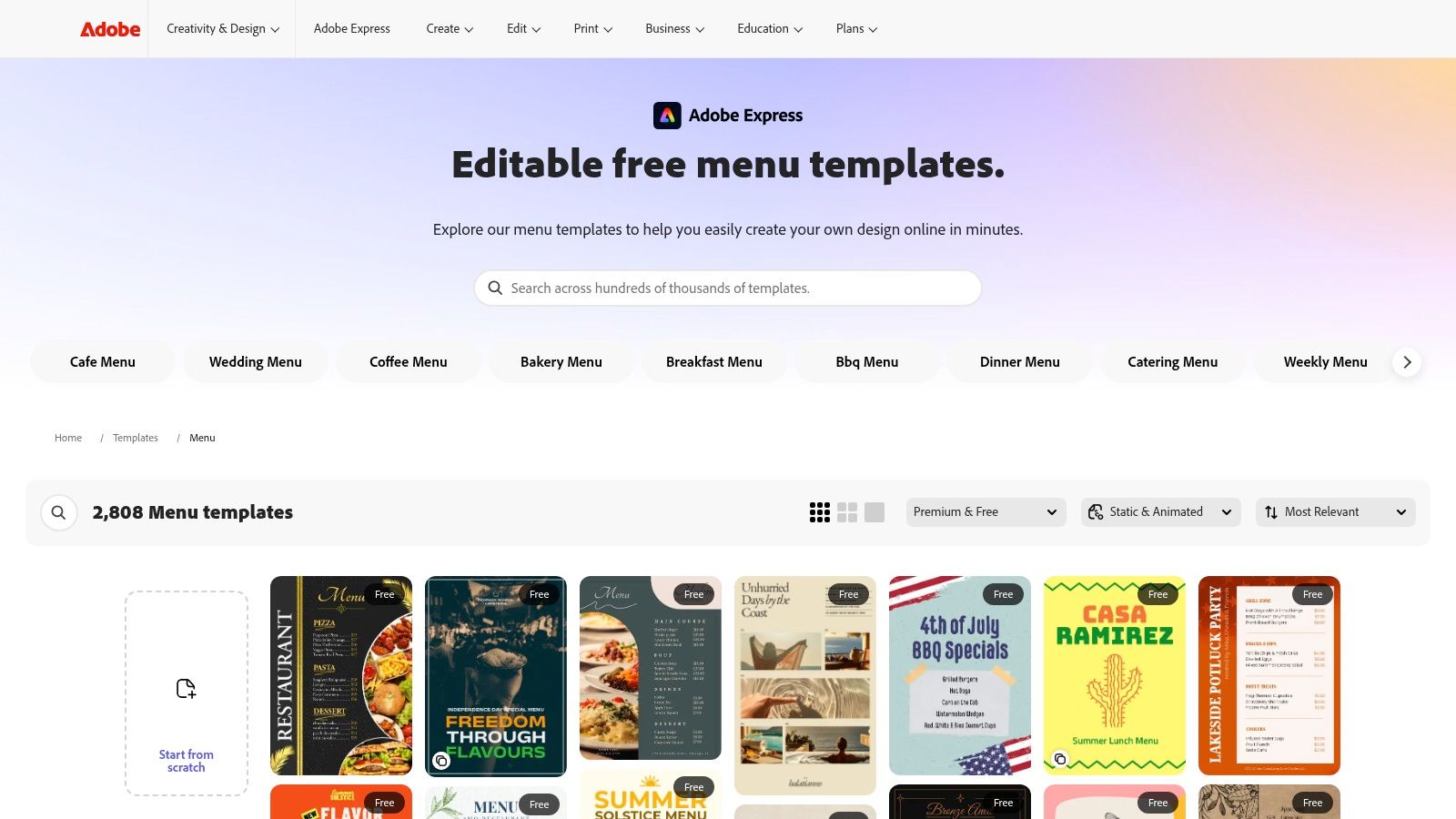
Adobe Express gives you menu templates, brand kits, one-click resize for different channels, web and mobile access, and the benefit of Adobe's export quality. It also offers commercially safer graphics and integrated Adobe Stock options, which matters if you're producing printed Christmas menus at scale and don't want licensing confusion.
Best fit
This works best for polished brands that care about consistency. Think hotel restaurant groups, premium dining concepts, or café brands with an in-house marketer already using Adobe tools.
Adobe Express is especially useful when your holiday menu has to look refined across several formats:
- Printed table menus
- Instagram story promos
- Lobby or event signage
- Private dining inserts
If your current menu design feels too decorative and not commercial enough, it's worth reviewing what a more strategic vanity restaurant menu approach looks like. Pretty design alone doesn't protect margin.
The downside is straightforward. Some premium assets and features sit behind paid plans, and the community-driven variety isn't as broad as Canva or marketplace libraries. Still, for businesses that want dependable branding, clean exports, and fewer licensing headaches, Adobe Express is a solid professional option.
5. VistaCreate by VistaPrint
VistaCreate is a practical middle ground between a design app and a print fulfillment route.
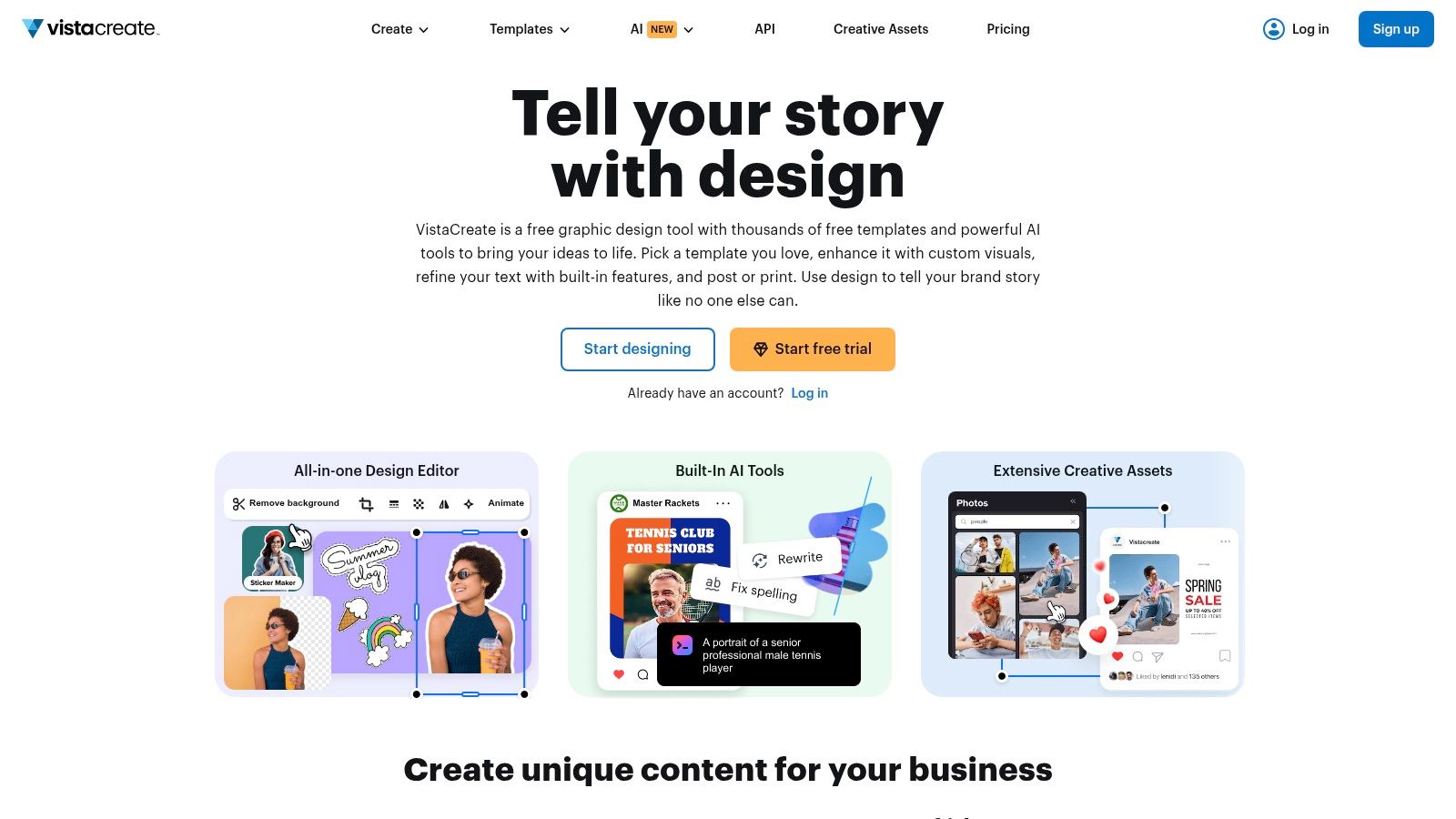
You get a large template library, a deep stock asset pool, AI image and object tools, background removal, brand kits, one-click resize, and team collaboration on Pro. A key advantage is the tie-in to VistaPrint for US printing. That shortens the path from approved design to physical menu cards.
Where it pays off
This is a good fit for small teams running seasonal campaigns without a designer on payroll. If a café owner wants matching Christmas menu templates, window posters, and gift card inserts, VistaCreate makes that easier than stitching together separate tools.
It works well when:
- One person wears three hats: owner, marketer, and ops manager.
- You need fast edits: swap photography, change headline copy, resize for counter signs.
- Print is still central: you want digital assets, but your main holiday selling tool is still physical.
The limitation is restaurant specificity. You'll get plenty of design flexibility, but not the menu workflows you'd find in restaurant-focused platforms. If your biggest issue is menu management rather than layout, go more specialized. If your biggest issue is turning a seasonal campaign into finished creative quickly, VistaCreate is efficient and easy to run.
6. PosterMyWall
PosterMyWall wins on speed, and speed matters in December.
If your team needs a Christmas menu, a drinks promo, a party night flyer, an email header, and a screen graphic before lunch, this tool gets the job done fast. That matters for operators running multiple holiday offers at once and trying to keep creative work off the manager's plate.
The catch is operational. PosterMyWall is a strong design and promotion tool, not a strong live menu system. If your festive menu changes daily, or you expect price edits, item swaps, and stock-outs across the holiday rush, static files create extra admin and extra print cost. They also slow down QR menu updates, which hurts conversion when guests scan expecting current information.
Where it works best
PosterMyWall makes sense when your Christmas menu is part of a broader promotional push and the menu itself is relatively stable. Use it to produce polished assets quickly, then push those same visuals across channels without rebuilding everything from scratch.
It fits best for:
- High-volume holiday marketing: create matching menus, social posts, email graphics, and digital signage quickly.
- Short-staffed operators: one person can turn around presentable creative without design software training.
- Campaign-driven selling: promote Christmas brunches, festive cocktails, private events, and seasonal bundles with a consistent look.
The limitation is clear. PosterMyWall helps you market holiday offers. It does less to manage live menu complexity once service starts.
Skip it as your primary menu setup if you rely on frequent updates, dynamic QR menus, or fast price changes tied to supply cost swings. In that situation, every manual edit eats labor, slows approvals, and increases the odds that a guest sees the wrong price or an unavailable item.
PosterMyWall is a good holiday marketing tool. It is a weak choice for restaurants that need their Christmas menu to update as fast as operations change.
7. Envato Elements
If you've got a designer, or you are one, Envato Elements is one of the strongest sources for professional-looking Christmas menu templates.
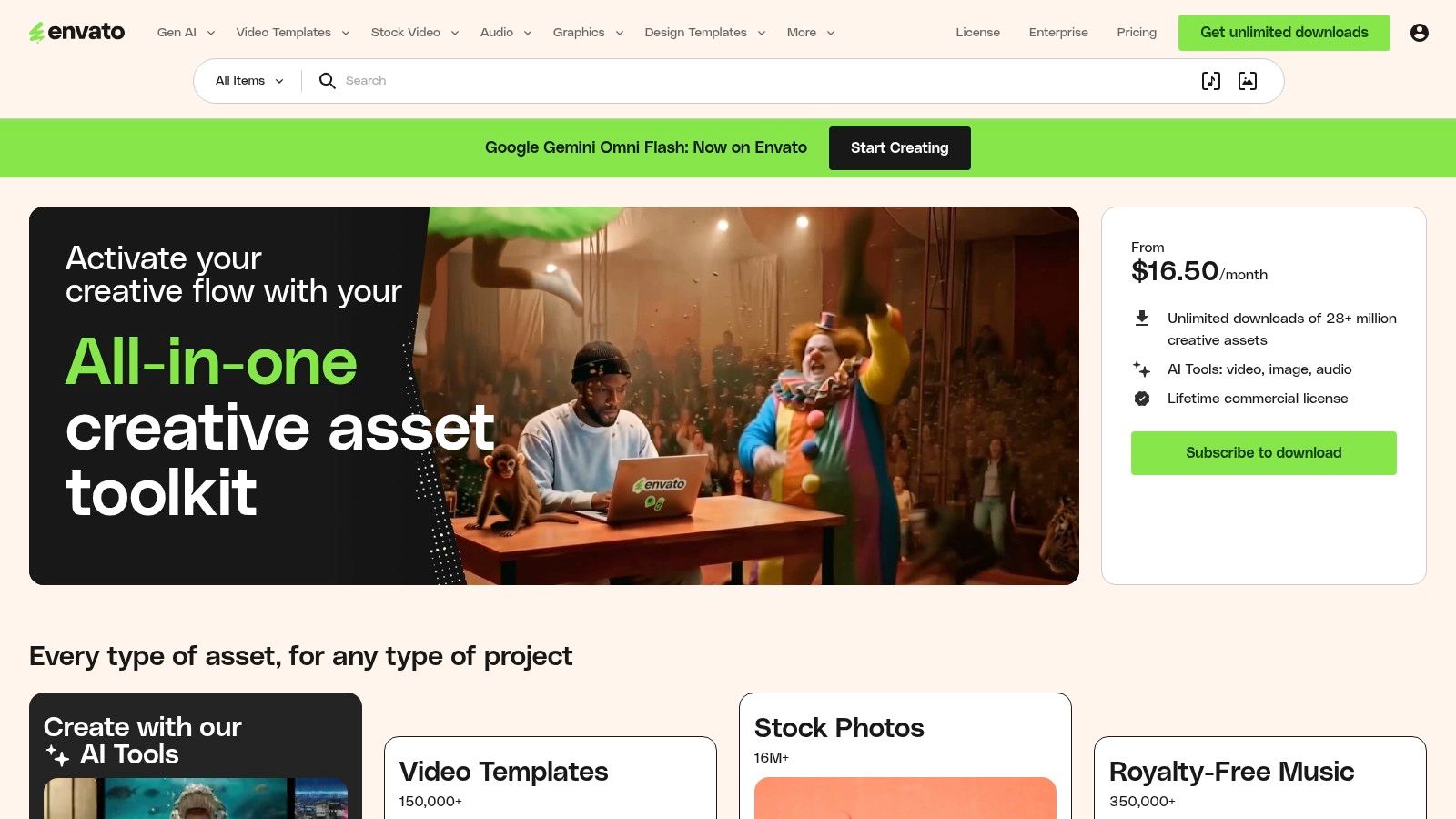
This isn't a menu platform. It's a subscription library packed with layered source files in PSD, AI, and INDD formats, along with mockups and supporting design assets. If you want control over every visual detail and plan to send files to a professional printer, it's a strong option.
When to choose it
Choose Envato when your Christmas menu is part of a broader premium presentation. Maybe your restaurant runs festive tasting menus, gift voucher packs, wine dinner inserts, and event collateral that all need a coordinated look. Envato is built for that kind of creative production.
It's especially useful for:
- Print-first brands: CMYK, high-resolution files, and clean print deliverables.
- Multiple seasonal campaigns: one subscription supports many downloads across the season.
- Agencies and freelancers: easy access to variety without buying single files one by one.
The downside is obvious. Someone has to edit the files properly. If your GM is trying to update prices inside InDesign an hour before service, this tool becomes a headache fast. Also review licensing terms carefully before wide commercial use across ongoing campaigns.
8. Creative Market
Creative Market is where you go when you want your Christmas menu to look less templated.
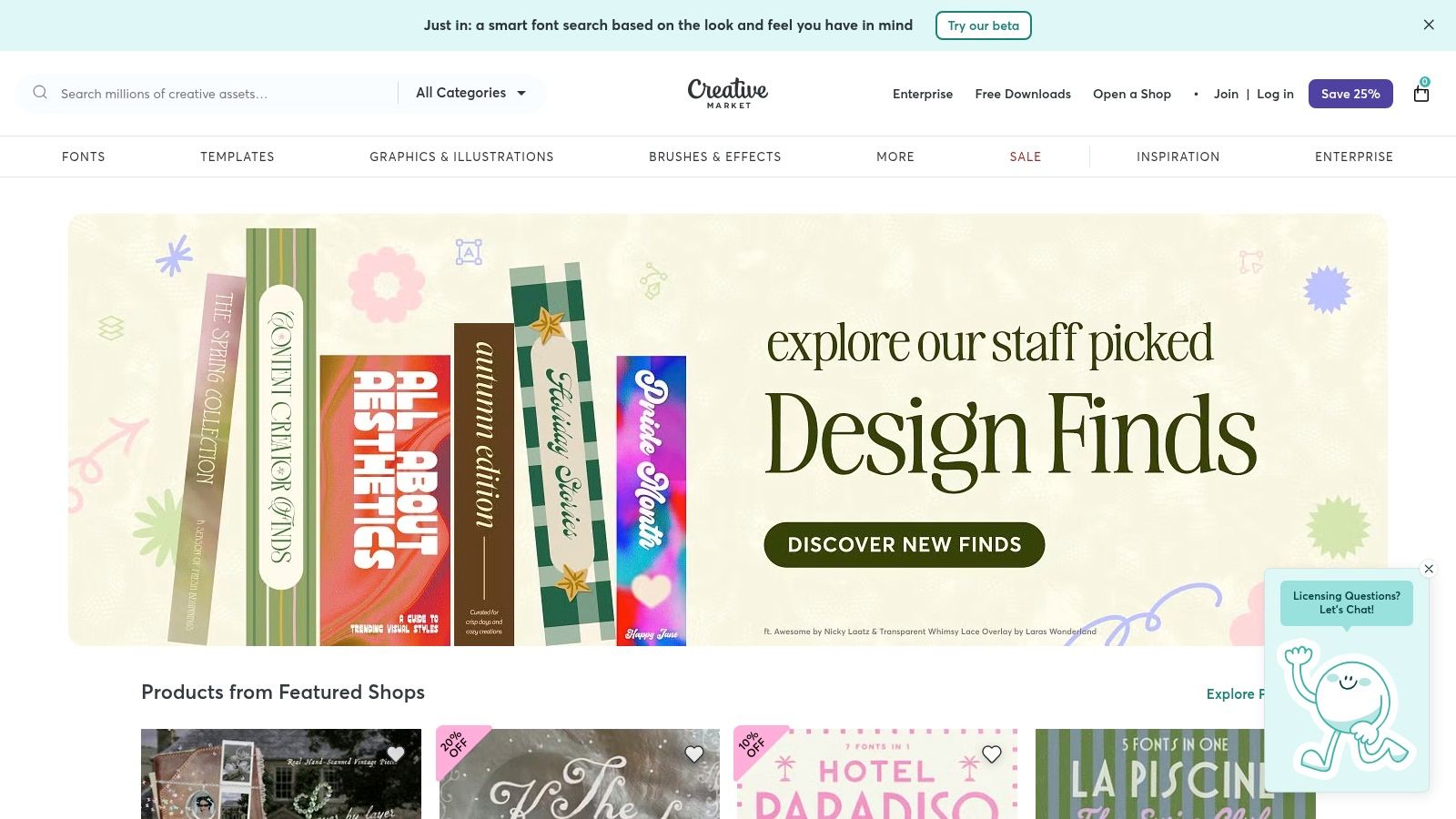
It's a marketplace, not a platform. Independent designers sell premium templates with clear licensing paths, usually in InDesign, Photoshop, Illustrator, and sometimes Word or Canva. For restaurants that want a more boutique look without paying for full custom design, that's attractive.
What you're really buying
You're buying distinctiveness. If your Christmas offer needs to feel premium, romantic, rustic, or highly branded, Creative Market often looks less generic than broad template apps.
This works well for:
- One-off festive menus: special tasting dinners, Christmas Eve service, hotel banquets.
- Higher-end brands: where the menu presentation supports perceived value.
- Operators who know what they want: you can browse by style and buy exactly one design.
There are two catches. First, each template is a separate purchase, so costs stack up if you need many variants. Second, you still need layout skills and the right software in many cases.
One more operational point matters. The market is full of visual templates, but one analysis of the category argues there's a major gap in menus that combine allergen icons, multilingual ingredient translation, and adaptive updates. It points to an underserved need around adaptive menu intelligence rather than static design alone, especially for holiday dining scenarios involving international guests and allergen visibility, as discussed in this Menutech analysis of Christmas menu templates.
9. Vistaprint
If your main requirement is simple, printed Christmas menus delivered fast, Vistaprint is a safe choice.
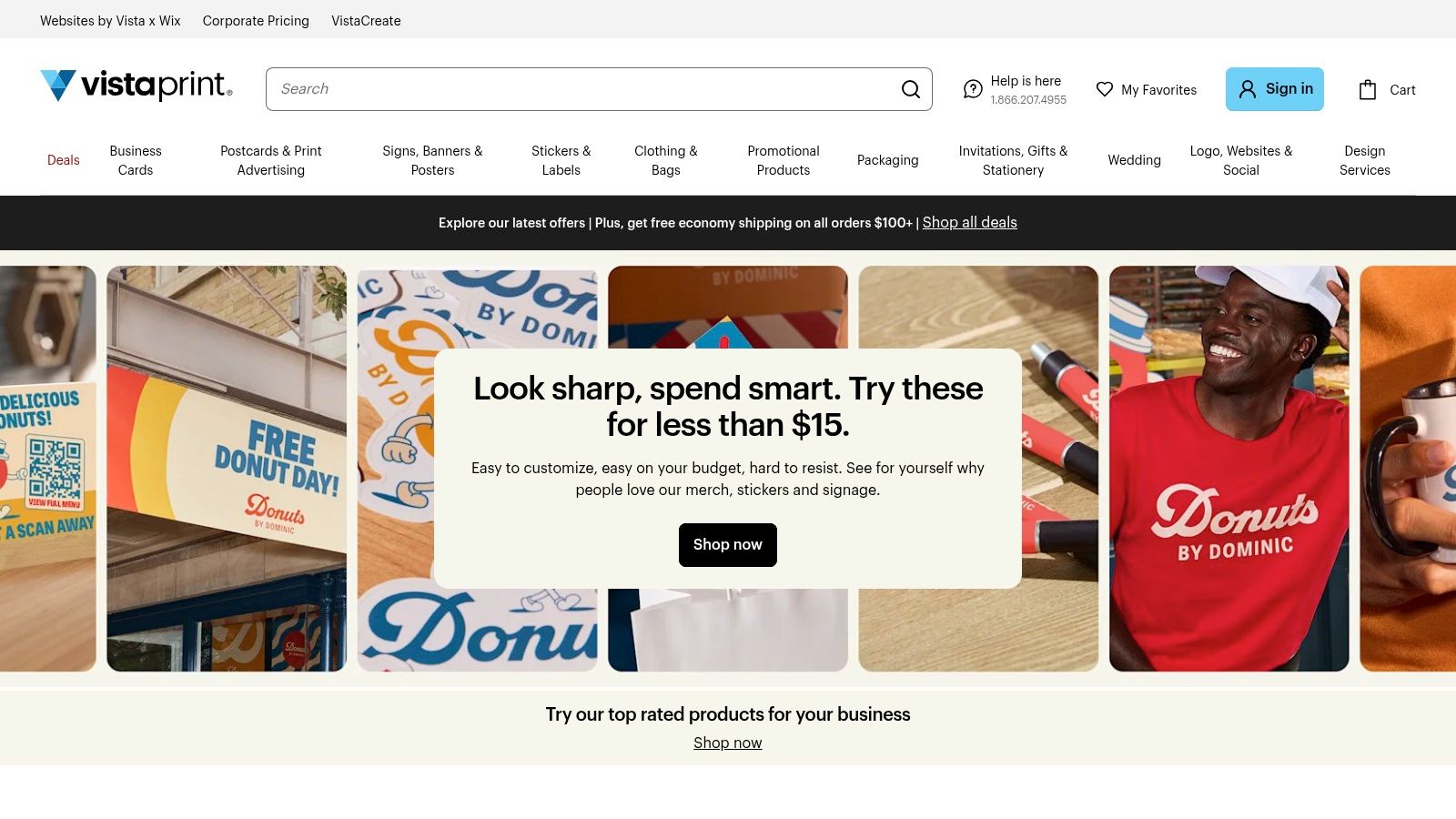
You get holiday design categories, online editing, logo upload, multiple stocks and finishes, and straightforward reorder capability. It's not the deepest tool on this list, but it doesn't need to be. It solves a common operator problem: “I need decent festive menus printed without turning this into a week-long project.”
Best for speed
Vistaprint works well for event-driven hospitality. Banquet packs, private dining menus, Christmas Day set menus, and pre-booked festive lunch inserts are the sweet spot. These are stable offers with low need for constant updates.
Pair it with a stronger digital menu if your core food and drinks list changes often. For more custom support on the design side, some operators also use external restaurant menu design services before sending final assets to print.
Use Vistaprint when you want:
- Quick online customization
- Predictable print quality
- Easy reorders for repeat events
Don't use it as your only answer if your Christmas menu needs frequent edits, live stock updates, or deeper digital ordering logic. It's a print production tool first, not a menu performance platform.
10. Marq formerly Lucidpress
Marq is the most operationally disciplined option on this list for multi-location brands.
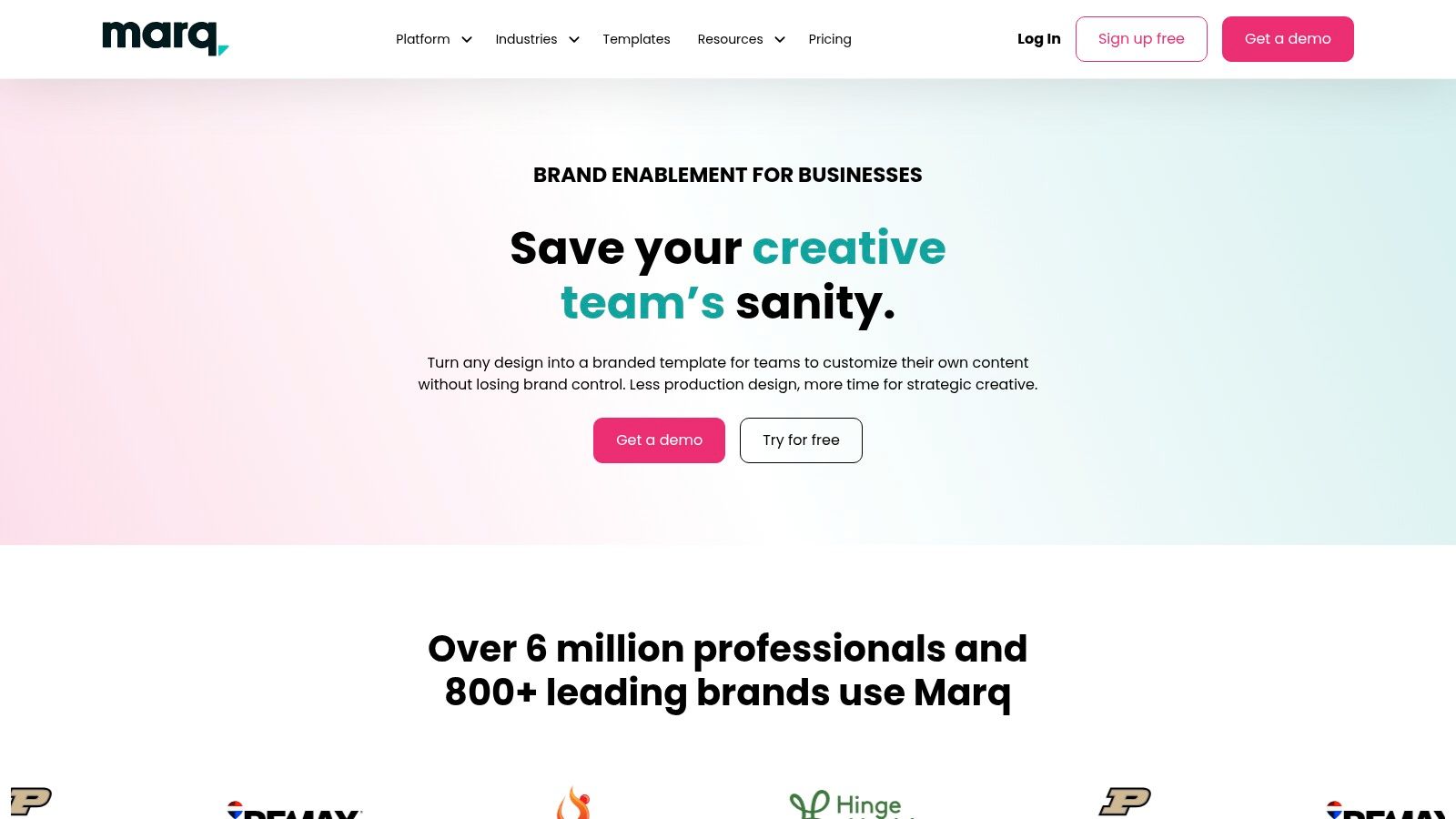
Its real value isn't in having the prettiest Christmas menu templates. It's in locking down what local teams can and can't change. Brand elements can be protected, approvals can be controlled, and locations can edit only what they need, such as prices, items, dates, or hours.
Where Marq earns its keep
If you oversee franchise, hotel, or multi-site hospitality brands, Marq solves a very expensive seasonal problem. Head office wants consistency. Local operators need flexibility. Most tools force you to choose one or the other.
Marq gives you:
- Template locking: protect logos, fonts, layout structure, and brand colors.
- Role-based approvals: stop rogue edits before they hit print.
- Scalable rollout: distribute Christmas menu templates across many sites without rebuilding files every time.
This is overkill for a single-site independent. It's built for organizations. If you run a group, though, this structure matters during seasonal rollout. It reduces off-brand menus, ordering mistakes, and head office bottlenecks.
Central brand control matters most when teams are busy, temporary staff are onboarded, and locations are under pressure. That's Christmas service in one sentence.
Top 10 Christmas Menu Template Comparison
| Platform | Core features | UX / Quality ★ | Price / Value 💰 | Target audience 👥 | Unique selling points ✨ / 🏆 |
|---|---|---|---|---|---|
| MustHaveMenus | 25k+ templates, print ordering, QR menus, POS sync, multi-location | ★★★★☆ | 💰 Annual best value; Pro & per-location for advanced | 👥 US restaurants, multi-location operators | ✨ Seasonal print→QR workflow, easy digital signage; 🏆 huge template library |
| iMenuPro | Holiday templates, auto-formatting, print-ready PDFs, unlimited QR locations | ★★★★☆ | 💰 Affordable; simple plans, privacy-friendly | 👥 Small restaurants needing rapid seasonal updates | ✨ Super-fast item/price updates, human support; 🏆 privacy-first |
| Canva | Thousands templates, brand kits, team collaboration, export for print | ★★★★★ | 💰 Freemium → Pro for assets & brand tools | 👥 Non-designers, marketing teams, multi-style needs | ✨ Massive template & asset library, collaboration speed; 🏆 fastest mockup-to-final |
| Adobe Express | Polished templates, brand kits, Adobe Stock, consistent export quality | ★★★★☆ | 💰 Paid plan for premium assets; strong licensing | 👥 Adobe-using teams needing print-quality exports | ✨ Adobe ecosystem & licensing guarantees; 🏆 reliable print exports |
| VistaCreate (VistaPrint) | 100K+ templates, AI tools, background remover, brand kits | ★★★★ | 💰 Pro for premium tools; streamlined VistaPrint printing | 👥 Small teams wanting design→print in US | ✨ Direct VistaPrint fulfillment; 🏆 smooth print ordering path |
| PosterMyWall | Large holiday/menu library, multi-page editor, email & digital outputs | ★★★★ | 💰 Free basic; Premium removes watermarks & enables HD | 👥 Independents producing seasonal promos at scale | ✨ Fast volume production across channels; 🏆 great for multi-size sets |
| Envato Elements | Unlimited downloads of PSD/AI/INDD templates, print-ready CMYK files | ★★★★☆ | 💰 Subscription = excellent value for many designs | 👥 Designers / teams with Adobe skills | ✨ Professional layered print files & mockups; 🏆 cost-effective for bulk use |
| Creative Market | Pay-per-item premium templates, clear license tiers, designer support | ★★★★ | 💰 Pay-per-template (varied); clear licensing | 👥 Businesses wanting unique, boutique designs | ✨ Distinctive designer-made templates; 🏆 boutique-quality options |
| Vistaprint | Guided online editing, multiple stocks/finishes, US print & reorder | ★★★★ | 💰 Pay-per-print; predictable cost & quality | 👥 Businesses needing printed menus quickly | ✨ One-stop edit→print→ship workflow; 🏆 reliable fulfillment & reorders |
| Marq (Lucidpress) | Drag-drop editor, lockable templates, role-based access, print integrations | ★★★★ | 💰 Enterprise-style pricing; scales with seats | 👥 Franchises / multi-location brands | ✨ Template-locking & approval flows; 🏆 brand governance at scale |
Turn Your Template Into a High-Performing Holiday Menu
A strong template is only the starting point. The money comes from how you use it.
Start with menu engineering. Put high-margin Christmas items where guests look first. Use dish names and descriptions that sound specific and appetizing. Build bundles that raise spend without feeling forced, such as a festive set for two, a starter-plus-cocktail pairing, or a dessert add-on attached to the main event.
QR and digital menus make this easier, and the revenue impact is real. One review of digital ordering found that QR menus can increase average order value by 12 to 22 percent compared with traditional ordering. The same source notes that pairing drinks with mains can add €3 to €5 per order, dessert prompts after the main course can achieve a 15 to 20 percent acceptance rate, and dishes with high-quality photos sell 30 percent more than text-only listings.
There's also an efficiency case. According to Hospitality Technology's review of QR code ordering, digital ordering can increase average order value by about 12 percent, reduce wait times by up to 30 percent, and cut order errors from 8 percent in traditional ordering to 2 percent digitally. During the Christmas rush, those operational gains matter as much as extra sales.
Another practical angle is cost control through menu design itself. Nutritics highlights that reducing pork portions by 50 percent and replacing the difference with stuffing can save operators approximately 50p per dish while reducing calorie intake by nearly 20 percent per serving. That's exactly the kind of smart festive menu adjustment operators should build into seasonal templates from the start.
For QR code menus, keep the format mobile-first:
- Use a single column: don't force guests to pinch and zoom.
- Make text large enough to scan fast: holiday dining rooms are busy and often dim.
- Use clickable photos selectively: feature your best sellers and profitable add-ons.
- Prompt add-ons at the right moment: drinks before mains, desserts after mains, premium modifiers before checkout.
A static PDF can't do much once it's printed. A live system can. Digital menus can support real-time price updates, track which items guests click, and let you test new dishes without print cost or awkward rework, as described in this discussion of how small restaurants use QR menus. That's how operators should think about holiday menus now. Not as artwork, but as an active sales tool.
The best Christmas menu templates help you launch faster. The best menu system helps you sell smarter all season.
If you want your Christmas menu to do more than look good, RevMenue is the next step. It turns static holiday menus into fast-loading QR menus that update instantly, push profitable add-ons at the right time, and show you what's selling. For restaurants, cafés, and multi-location operators, that means fewer reprints, less staff friction, smarter upsells, and better decisions during the busiest trading period of the year.