
Most restaurants lose revenue through their menus without realizing it. A guest typically spends about 109 seconds scanning a menu, so your layout has to sell fast, not explain itself slowly. The best designed menu isn't the prettiest one. It's the one that gets profitable items noticed quickly, reduces decision fatigue, and makes upsells feel natural.
Your menu is a salesperson. Is it a good one?
Most menus are just price lists. A well-designed menu, whether print, QR, or digital, is your most consistent salesperson. It guides choices, increases average order value, and improves the guest experience without adding pressure on staff. Below are 7 different ways to build the best designed menu, from fast DIY tools to custom design services, so you can pick the right path for your budget, speed, and operating model.
Table of Contents
- 1. MustHaveMenus
- 2. iMenuPro (by SoftCafe)
- 3. Canva (Menu Maker)
- 4. Adobe Express (Menu Maker)
- 5. Menu Design Group
- 6. 99designs by Vista
- 7. Menutech
- Top 7 Best-Designed Menu Tools: Feature Comparison
- Design Is the Start, Optimization Is the Goal
1. MustHaveMenus
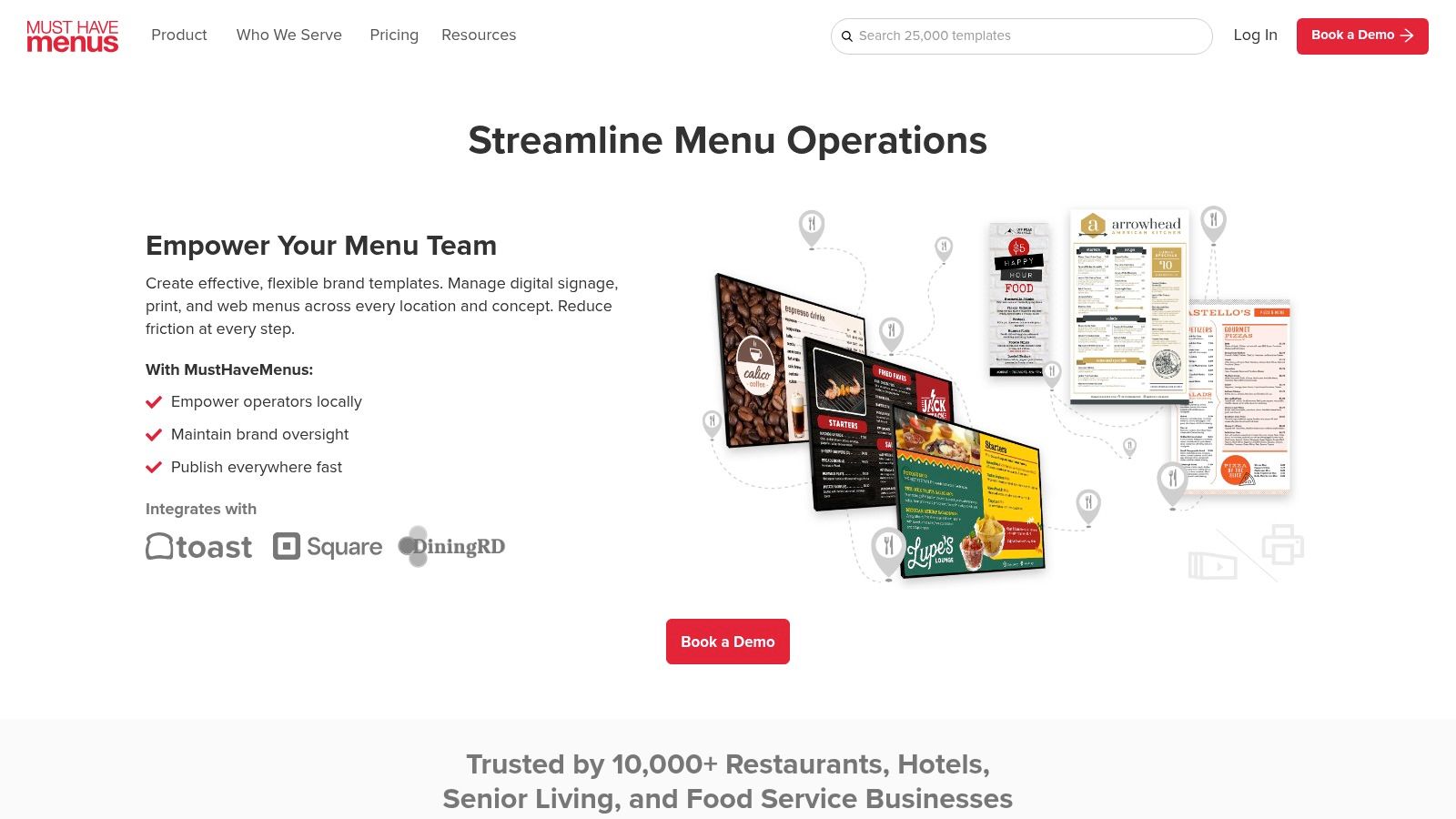
If you want restaurant-specific design without hiring a designer, start here. MustHaveMenus is built for operators who need polished menus fast, then need those same menus pushed into print, QR, online pages, and digital boards without rebuilding everything from scratch.
It stands out because it isn't a generic design app pretending to understand restaurants. The template library is hospitality-specific, and the workflow suits live operations. You can update a seasonal menu, push it to a board, generate QR access, and keep the design consistent across channels.
Why it works well for revenue-driven operators
A strong menu should direct attention, not just present options. Restaurant365 notes that placing high-margin dishes in prominent positions like the center or upper-right can increase the chance they'll be ordered, and it also says one photo per page can raise sales of the featured item by up to 30% in its menu design guidance. MustHaveMenus makes those layout tactics easy to execute without needing an in-house designer.
What I like most is the operational practicality:
- Restaurant-ready templates: You don't waste time adapting retail or flyer layouts into menu formats.
- Print and publish speed: You can move from draft to printed menus and live digital versions in one workflow.
- POS alignment: Sync options for Toast and Square help reduce the usual gap between what marketing designs and what operations can sell.
Practical rule: If your team changes specials often, use one design system across print, QR, and screens. It cuts errors and keeps servers from explaining outdated menus.
For independent restaurants and multi-unit groups, this is a strong choice when speed matters as much as presentation. If you're already thinking beyond design and into profitability, pair your layout decisions with a more deliberate menu optimization approach for restaurants.
Use MustHaveMenus when you want a clean, restaurant-native system that your managers can maintain.
2. iMenuPro (by SoftCafe)
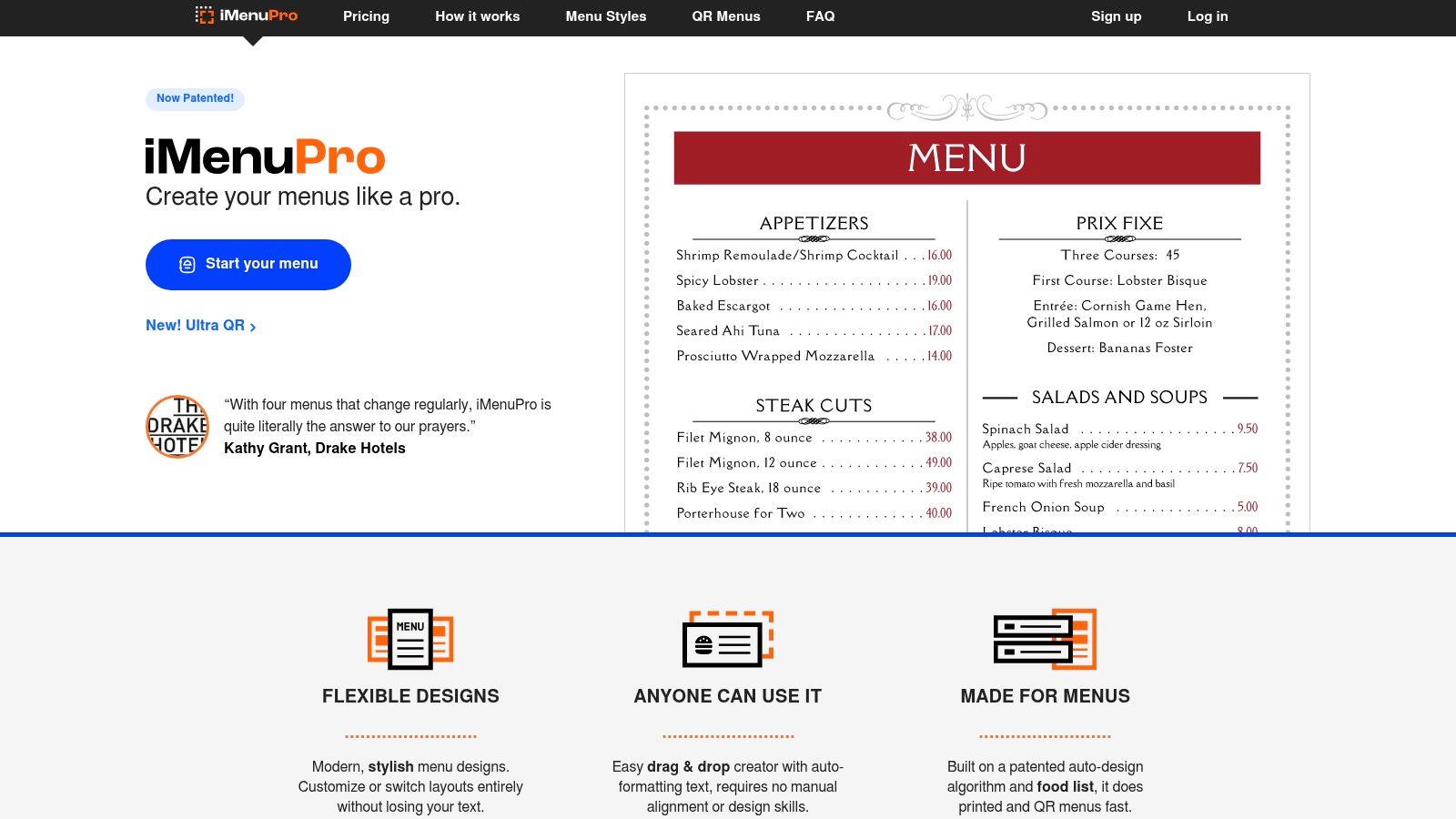
iMenuPro is the practical pick for operators who care more about speed, readability, and frequent updates than flashy visuals. If you print in-house, run daily specials, or want simple QR access without adding another marketing stack, it's a smart tool.
Its strongest advantage is formatting control without design friction. You can update text, keep styling consistent, generate a clean PDF quickly, and publish a QR version from the same source. That's useful for cafés, bakeries, lunch spots, and any concept where menus change often.
Best fit
This tool makes sense when your menu has to stay current every day. It also fits operators who don't want tracker-heavy software or bloated design suites.
A few strong use cases:
- Daily specials and quick reprints: Fast PDF output helps teams update menus without waiting on a designer.
- Simple QR rollout: Built-in QR generation is useful when you want phone access without a complicated digital ordering rebuild.
- TV menu displays: Included digital signage support is handy for counter-service concepts.
Altametrics cites studies showing a good menu layout can increase sales by up to 15%, but the lesson for operators is simpler. Small structure changes matter. iMenuPro is good at helping you make those changes quickly, especially when text hierarchy and clean spacing do most of the selling.
Clean typography beats clutter. If guests can scan a menu faster, they decide faster, and staff spend less time decoding the board for them.
The tradeoff is creative range. You won't get the same template depth as larger platforms. But if your priority is accurate, readable, fast-turn menus, iMenuPro is one of the simplest ways to get there.
3. Canva (Menu Maker)
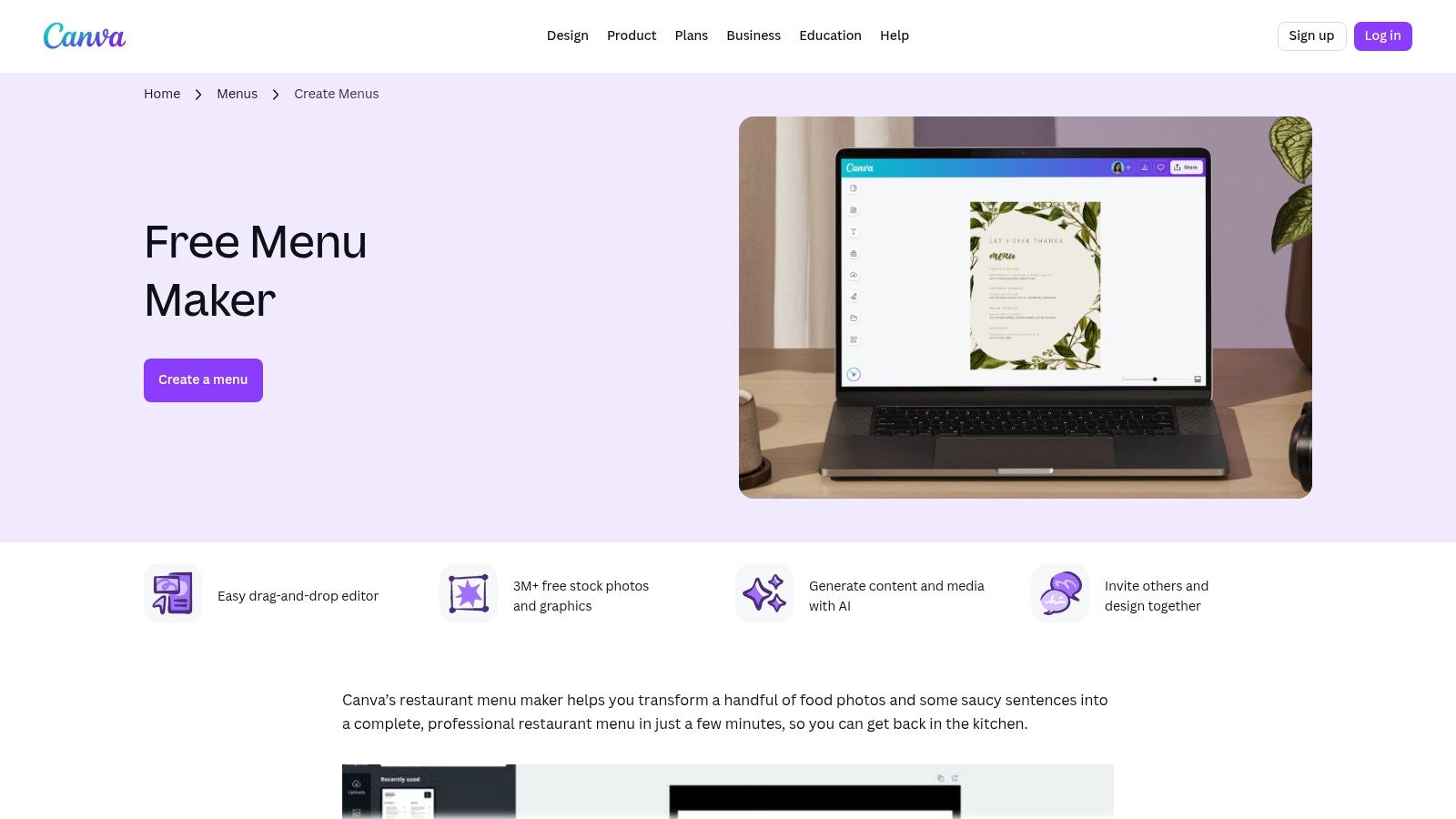
Canva is the easiest recommendation for operators who want decent design fast and already use it for flyers, social posts, table tents, or email graphics. It isn't restaurant-specific, but it's accessible, familiar, and good enough for many independents that need a sharper menu without agency costs.
Its real strength is brand consistency. If your menu, Instagram promos, happy hour posters, and event signage all come from the same system, your marketing gets cleaner and your team moves faster.
Where Canva helps and where it doesn't
Canva works best when one manager, owner, or marketer is handling creative across the business. Brand kits, template reuse, and collaboration tools make that easy. Magic Studio tools can also speed up rewrites, especially when you need to tighten item descriptions or adapt text for different audiences.
Still, design speed doesn't equal menu strategy. Lavu highlights a core menu-engineering rule. Around 80% of restaurant sales can come from just 16% of menu items. That's why the best designed menu is usually edited hard, not expanded endlessly. Canva can help you present that tighter menu well, but you still need POS data to decide what earns the prime spots.
Use it well by focusing on these basics:
- Trim first, design second: Remove low-value clutter before you pick colors or fonts.
- Promote signature items: Use stronger hierarchy for the dishes you want to sell more often.
- Keep sections tight: Too much choice slows ordering and weakens your upsell path.
Canva is a design tool, not a menu engineer. But for owner-operators who need control, speed, and on-brand output, Canva Menu Maker is a practical option.
4. Adobe Express (Menu Maker)
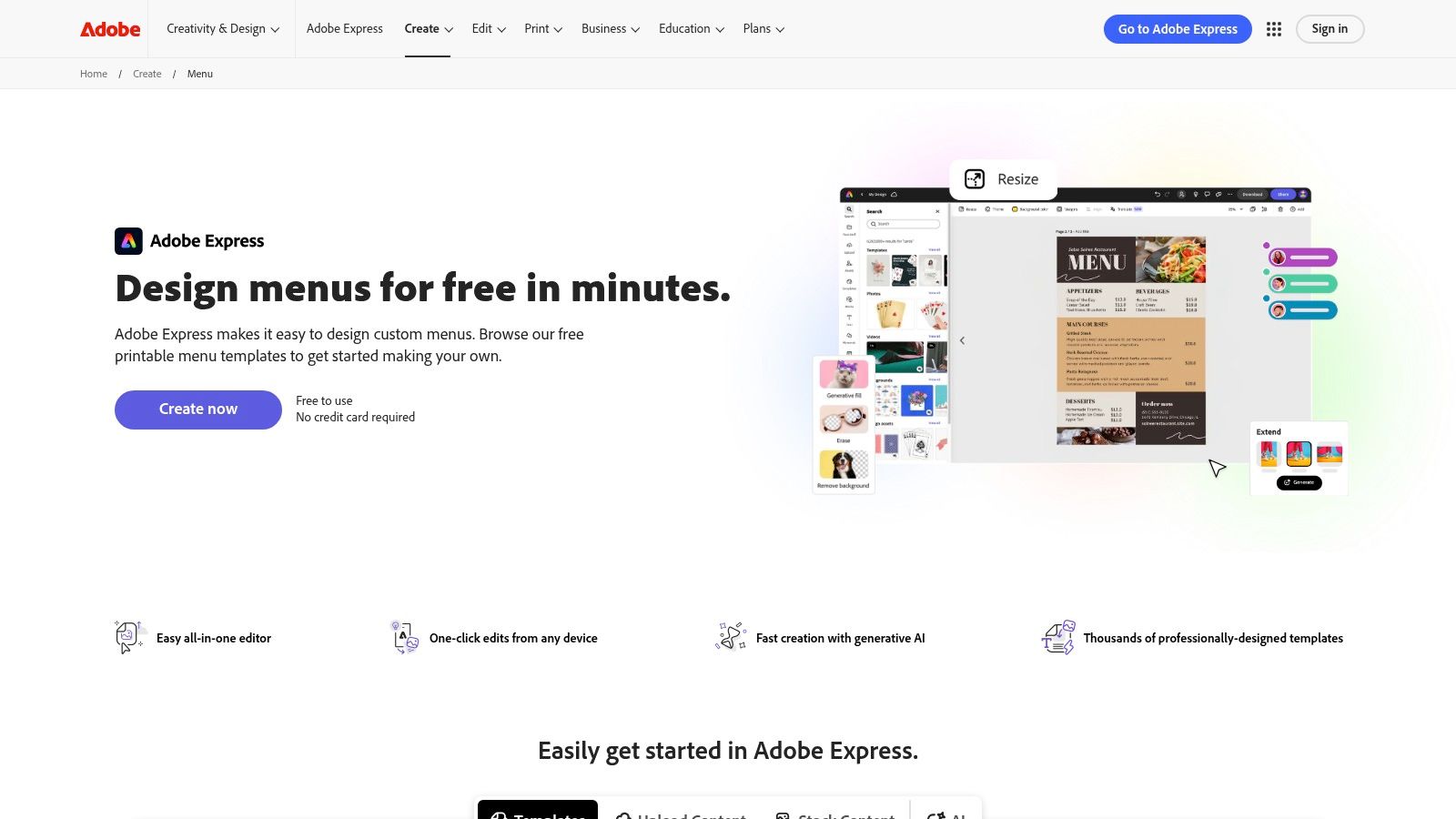
Adobe Express suits restaurants that want better visual polish than a basic DIY tool, but don't need a full agency process. It's especially useful if your team already works with Adobe assets or wants access to stronger fonts, stock imagery, and brand controls.
This is a good middle ground. You get easy editing, desktop and mobile access, and a path into the wider Adobe ecosystem if your brand grows more advanced later.
Who should choose Adobe Express
Pick Adobe Express if presentation matters a lot to your concept. Think hotel dining, premium café brands, wine bars, chef-led casual dining, or any venue where visual positioning supports price perception.
It also helps with menu psychology. Popmenu cites studies showing that a photo next to a dish name can increase sales by as much as 90%, according to Restaurant365's summary of menu design tactics, and that guests tend to spend more when prices appear without dollar signs. Adobe Express gives you enough layout control to apply those principles cleanly, especially when you're balancing photo use, spacing, and typography.
What it does well:
- Template quality: Strong starting points for menus that need a more premium look.
- Asset access: Adobe Stock and Adobe Fonts help quickly enhance the presentation.
- Flexible exports: Useful for print files, web versions, and lightweight digital sharing.
The limitation is obvious. It's not built specifically for restaurant operations. You won't get native allergen workflows or deeper menu-management logic.
A polished design matters most when you're selling perceived value. If your concept relies on mood, craft, or premium cues, your menu can't look generic.
For operators who care about brand image and want a smoother creative tool than full Adobe apps, Adobe Express Menu Maker is a solid choice.
5. Menu Design Group
Menu Design Group fits operators who don't want to design alone and don't want a full agency retainer either. It combines custom menu design support with digital menu board software, training, and phone support. That mix is useful for restaurants that need help standardizing how menus look across print and in-store screens.
This isn't the flashiest option in the list. It is one of the more practical ones for hospitality teams that value human help and straightforward deployment.
Why human support matters here
Many menu problems aren't design problems. They're execution problems. A team needs to launch a new board, update prices, train managers, and keep the same structure across locations. Menu Design Group can help with that operational layer.
That matters because contribution, not just popularity, should shape your menu. Restaurant365's menu metrics guidance recommends combining sales mix with recipe-level costing to track food cost percentage, contribution margin, and theoretical-versus-actual cost for every dish. It also notes that connected real-time data can surface a portioning problem in days rather than weeks. If your menu board promotes the wrong item mix, design won't save the margin.
A few reasons to consider it:
- Custom support: Better for teams that want guidance, not just templates.
- Digital board rollout: Useful for quick-service, fast-casual, and counter-service formats.
- Training included: Helps reduce the usual handoff issues after setup.
If your business is trying to improve average ticket through smarter menu presentation, strong restaurant upselling tactics should sit next to the design work, not after it.
Use Menu Design Group when you want hands-on support and more control over in-store screen execution.
6. 99designs by Vista
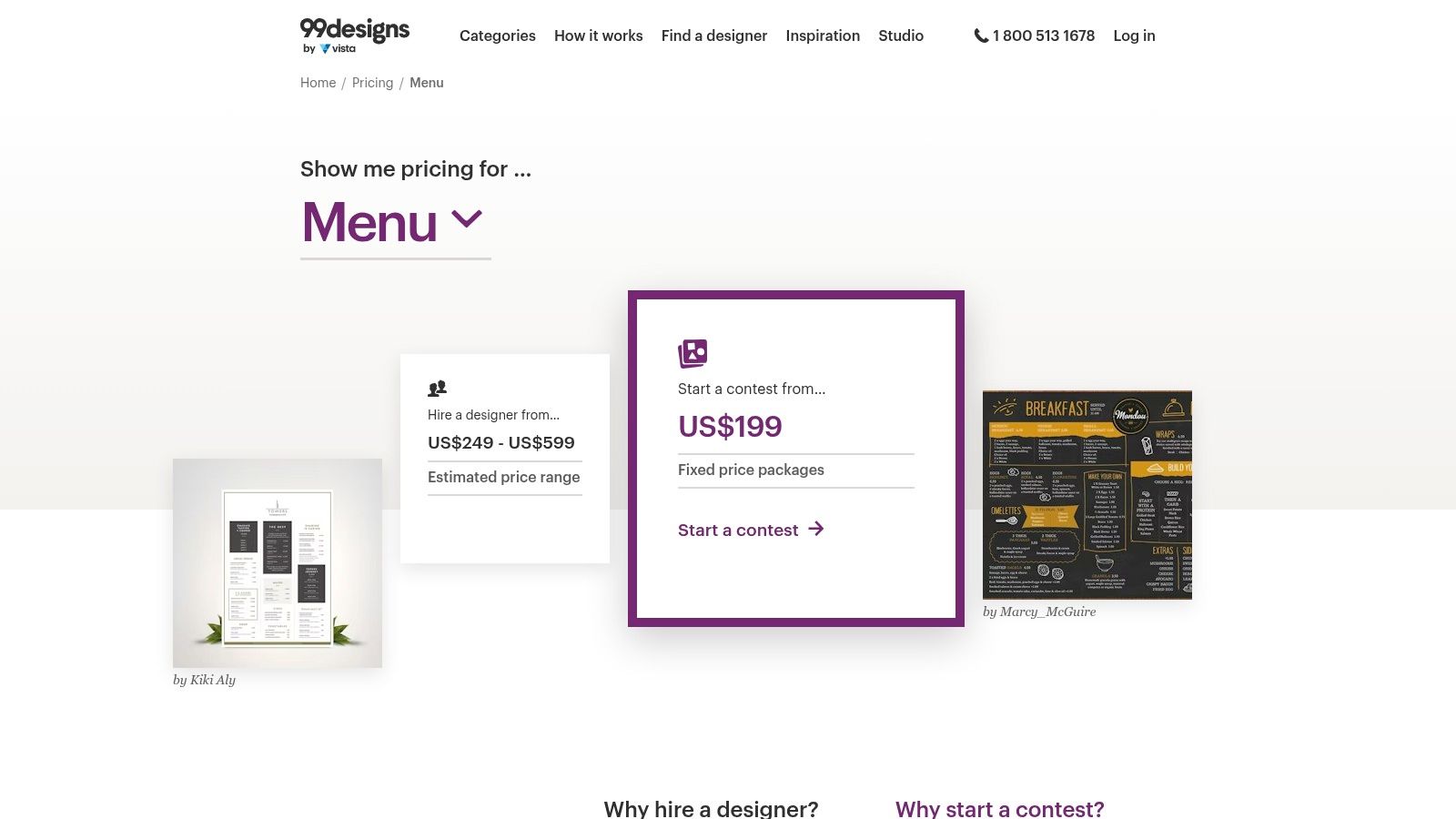
If you want a menu that doesn't look templated, 99designs is the strongest custom route in this list. You can run a contest and compare multiple creative directions, or hire one designer directly for a more controlled process.
This is the right move when your menu needs to support brand differentiation, not just readability. Think flagship venues, concept launches, rebrands, or restaurants competing heavily on guest experience and visual identity.
How to get a better result
The tool itself won't guarantee a strong menu. Your brief does that. If you give designers a weak list of dishes and ask for something "modern," you'll get decoration. If you give them profitable priorities, target guest behavior, and real constraints, you'll get a working sales tool.
Independent guidance on common menu mistakes points to a real gap in the market. Most advice focuses on styling, but rarely answers how much complexity a menu should carry before it starts hurting sales and slowing decisions, as discussed in this menu design mistakes overview. That's exactly where a good freelance designer can help, if you brief them properly.
Use these rules before you launch a project:
- Define top-priority items: Tell the designer which dishes should get the visual emphasis.
- Explain your ordering context: Table service, QR ordering, takeaway, and counter service need different flows.
- Specify update frequency: A menu that changes weekly needs a different design system than a seasonal one.
The best custom menu isn't the most artistic one. It's the one your team can update without breaking the hierarchy that drives sales.
For a one-off custom design job with ownership of final files, 99designs by Vista is a strong option.
7. Menutech
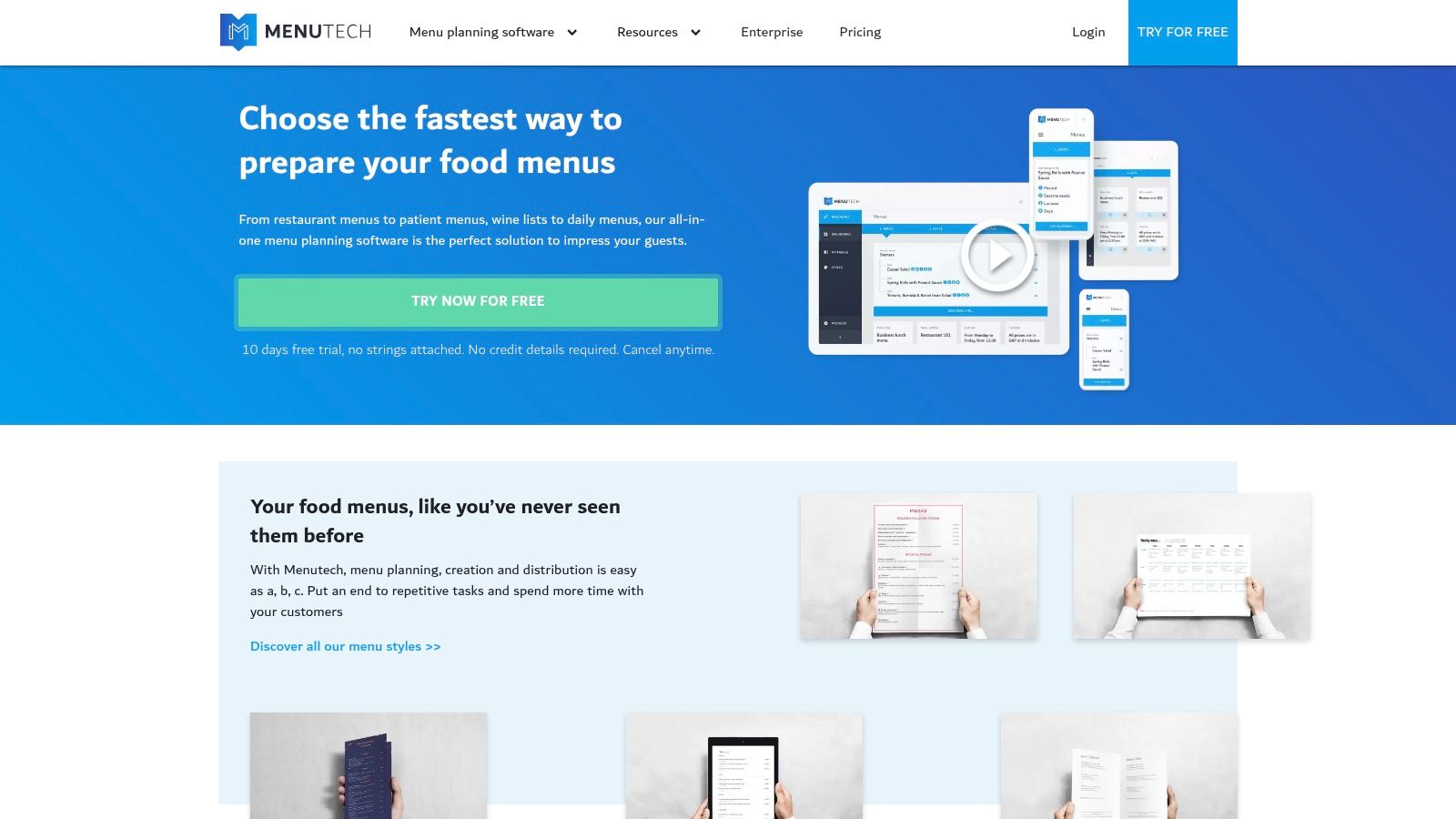
Menutech is the specialist pick. If allergen clarity, multilingual menus, and structured compliance matter more than endless templates, this tool deserves attention. That's especially true for hotels, tourist-heavy venues, international concepts, and operations serving guests who need clear ingredient guidance.
A lot of menu software looks good in a demo and becomes messy when menus need translations, labeling, and price presentation across markets. Menutech addresses that operational headache directly.
Where Menutech stands out
Its automated allergen and translation workflow is its key value. Teams that currently manage this work in spreadsheets or duplicate files will feel the efficiency gain immediately.
This also fits the broader shift from static menu design to conversion-focused digital experiences. Recent design guidance points out that digital and QR menus aren't just readability tools anymore. They're becoming channels for add-ons, bundles, and faster updates, but many articles still stop at surface-level design advice instead of operational outcomes, as noted in this discussion of modern menu design elements. Menutech is useful when clarity and update speed matter just as much as appearance.
Where it fits best:
- Allergen-heavy categories: Bakeries, hotels, dessert concepts, and mixed-diet menus.
- Tourism and multilingual service: Better for venues that serve guests in more than one language.
- Digital menu deployment: Works well when you need reliable updates without reprinting.
If your concept leans into mobile access, a stronger contactless QR menu setup can turn that clarity into a better guest journey at the table.
Menutech isn't for everyone. But if compliance and multilingual accuracy drive your menu complexity, it's one of the most practical options here.
Top 7 Best-Designed Menu Tools: Feature Comparison
| Solution | Implementation complexity 🔄 | Resource requirements ⚡ | Expected outcomes 📊 | Ideal use cases ⭐ | Key advantages / Tips 💡 |
|---|---|---|---|---|---|
| MustHaveMenus | Low–Medium: intuitive editor; additional setup for POS sync and signage | Subscription + printing costs; optional signage player & add-on fees | Polished print + digital menus with operational sync and quick print fulfillment | Full-service restaurants needing fast print + digital publishing and POS alignment | Large restaurant templates, 2‑day US printing; annual plans offer best value |
| iMenuPro (SoftCafe) | Low: streamlined, typography-focused workflow | Simple flat pricing; minimal tooling; no trackers | Fast, print-ready PDFs and instant QR menus for daily updates | Privacy-conscious venues and kitchens that update menus frequently | Strong typographic controls and instant QR generation; fewer templates than suites |
| Canva (Menu Maker) | Very low: drag-and-drop for non-designers | Free/paid tiers; optional Brand Kit and team collaboration | Rapid on‑brand menus usable across print and broader marketing | Small restaurants or operators wanting DIY, multi-format marketing assets | Huge template ecosystem and AI helpers; not restaurant-specific (check legal labels) |
| Adobe Express (Menu Maker) | Low–Medium: friendly UX with Adobe tooling access | Subscription (Express or bundled Adobe plans); access to Stock/Fonts | Professional-looking menus with easy exports and upgrade path to Adobe apps | Users who may later need advanced Adobe creative workflows | Access to Adobe Stock/Fonts and generative assists; pricing can be bundled/complex |
| Menu Design Group | Medium–High: custom design + onboarding and training | Service fees, monthly licensing for screens; optional hardware | Done‑for‑you printed menus and managed digital menu boards with support | Brands wanting turnkey design + in‑store screens and phone support | Human designers + training and support; trial available for digital menu system |
| 99designs by Vista | Medium–High: requires brief, review time for contests or 1:1 hiring | Contest/project fees; time to manage submissions; printing separate | Unique, professionally designed custom menus with full file ownership | Restaurants seeking a standout bespoke menu from professional designers | Multiple creative directions via contests; marketplace fees can raise costs |
| Menutech | Low–Medium: focused workflow for compliance and translations | Subscription; language/translation services; templates | Automated allergen labels and multilingual, regulation-aware menus | Venues needing strict allergen compliance or multilingual guest support | Automated allergen detection and quality translations; smaller template library |
Design Is the Start, Optimization Is the Goal
A strong menu design gives you a better starting point. It improves scan speed, directs attention, and makes ordering easier. But the restaurants that get the most out of their menus don't stop at design. They keep tuning item placement, pricing presentation, upsells, and digital flow based on what guests choose.
That matters because the best designed menu is rarely the fullest menu or the most decorative one. It's usually the one that reduces friction and pushes the right decisions. Guidance summarized by Restaurant365 says unique titles and descriptions can increase item sales by up to 27%, and limiting sections to seven items helps reduce decision fatigue. That tells you something important. Small edits in wording and structure can change what sells.
For operators, the practical path is simple:
- Start with item economics: Know which dishes are both popular and profitable.
- Use visual hierarchy deliberately: Put signature and high-margin items where guests notice them first.
- Keep menus tight: More choice often creates slower ordering and weaker attachment sales.
- Update fast: QR and digital menus make it easier to adjust specials, 86 items, and seasonal pushes.
- Measure what changed: If a redesign doesn't improve mix, ticket size, or operational clarity, it isn't finished.
A platform like RevMenue integrates naturally. If you already have a strong design, a revenue-focused menu system can help you turn it into an interactive menu experience with built-in upsells, real-time updates, and analytics that show what guests are doing. That helps operators move from static presentation to active optimization.
Good design gets attention. Ongoing menu engineering gets results.
If you want your menu to do more than look good, take a look at RevMenue. It helps restaurants turn QR menus into a revenue tool with instant updates, built-in upsells, and analytics that support smarter menu decisions across one location or many.
