
You're posting photos, filming specials, and replying to comments. Then the week ends and nothing clearly changed in the business. Covers didn't move enough. Online orders felt flat. Staff still had to do all the selling at the table.
That's the problem with how most restaurants use social media. They treat it like a branding exercise when it should be handled like a sales channel. If your social content doesn't help fill seats, increase order size, or push customers toward profitable items, it's not doing enough.
Table of Contents
- Beyond Likes Turning Social Media Into Restaurant Revenue
- Your Content Playbook for Driving Action
- Organic vs Paid A Smart Mix for Growth
- From Feed to Table The QR Menu Integration
- How to Measure Social Media ROI for Your Restaurant
- Your Quick-Start Social Media Checklist
Beyond Likes Turning Social Media Into Restaurant Revenue
Most restaurant teams still look at social results the wrong way. They celebrate likes, follower jumps, and a nice-looking Reel, then wonder why the P&L doesn't care.
That mindset is outdated. Diners already use social platforms to choose where to eat. As of May 2023, 41% of diners said they had used social media to research which restaurant to visit, rising to 67% for Gen Z and 57% for Millennials according to Statista's restaurant social discovery data. The same verified data also notes that 72% of consumers use social media to decide where to eat.
If people are discovering restaurants in their feeds, your posts aren't just decoration. They shape traffic, reservations, and order intent.
Social media restaurants win when the post does one job clearly. Get the booking, get the order, or push the guest toward a specific item.
That changes how you should judge content.
Stop asking:
- Did this post look polished
- Did people react to it
- Did we post often enough
Start asking:
- Did it send people to the booking page
- Did it move a promoted dish
- Did it increase interest in a bundle, add-on, or premium item
- Did it reduce the amount of selling staff had to do manually
There's also an operational reason to tighten this up. Restaurant teams don't have time for content that creates work but no result. If your manager is spending part of every day filming, editing, posting, and answering messages, that effort needs to connect to revenue.
The shift owners need to make
Treat each post like a mini sales asset.
A brunch video should point to bookings. A cocktail post should support a pairing. A dessert Reel should create demand before the server reaches the table. A local event post should drive traffic on a slow day, not just fill your grid with activity.
That is the opportunity with social media restaurants. It can influence demand before the guest arrives, and it can influence what they buy once they do.
Your Content Playbook for Driving Action
A good content plan doesn't start with “what should we post this week?” It starts with “what do we need to sell?”
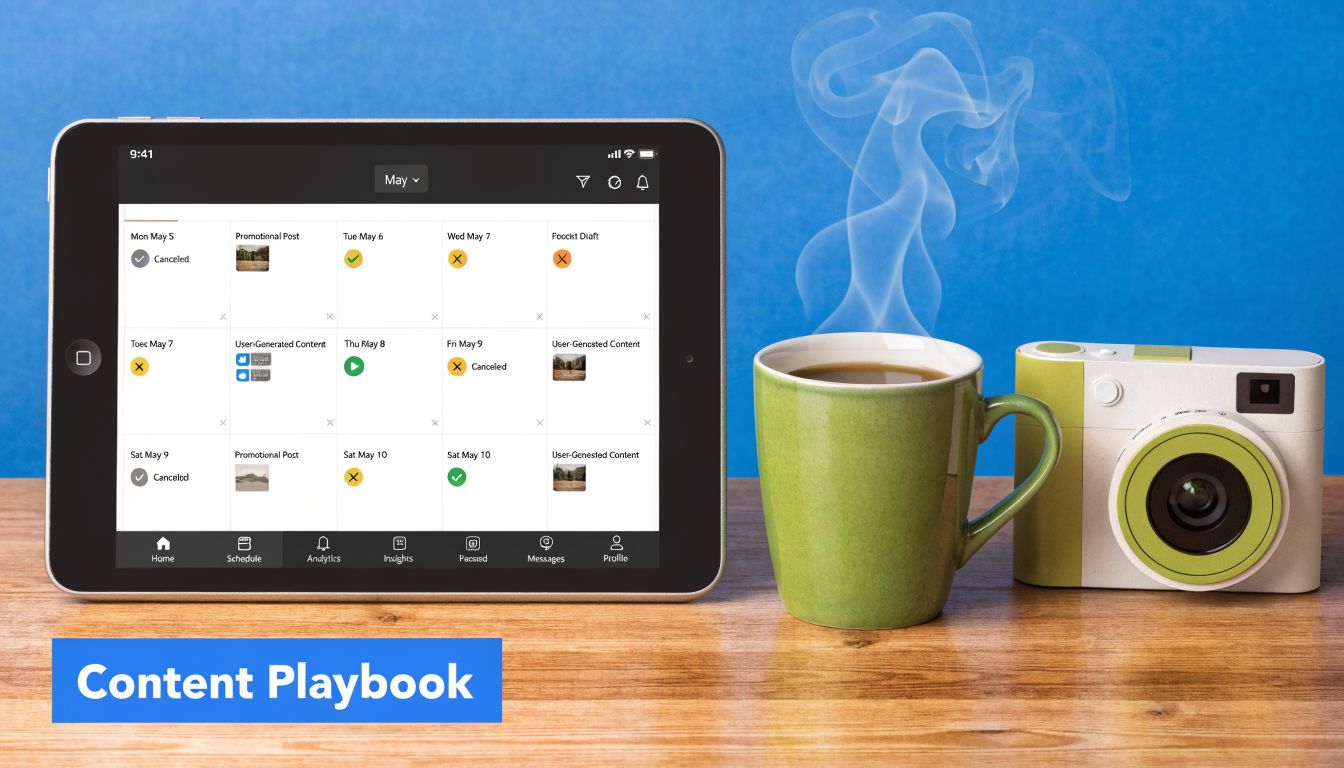
Restaurants that take social seriously are getting paid for it. In 2024, restaurants saw an average 9.9% increase in revenue directly linked to their social media strategies, while social-first restaurant brands saw an average 14.1% increase, based on Deloitte Digital's restaurant social media findings.
Match content to a business goal
Don't run one type of post on repeat. Use different content for different jobs.
Awareness content Use this to stay visible and make the restaurant feel alive. Post kitchen prep, staff intros, service moments, pastry finishing, espresso shots, cocktail builds, or a quick room walk-through before service. Personality matters here.
Booking content
Push action with a clear reason to visit. Promote date-night menus, live music, chef specials, themed brunches, patio openings, or holiday service. Put the call to action in the caption and make the next click obvious.Average order value content
Feature combinations, not single items. Show the burger with the loaded fries and house drink. Show the pasta with the wine pairing. Show the coffee with the pastry add-on. If you want larger tickets, stop posting items in isolation.Trust-building content
Repost customer tags, highlight full tables, share team recommendations, and answer common guest questions in Stories. This reduces hesitation and saves staff from repeating the same answers in DMs.
Practical rule: every week should include content that sells today, content that builds trust, and content that makes the next visit easier to choose.
Build posts around items you want to sell more of
Your best-looking dish isn't always the right dish to promote. Push items that help margins, improve mix, or support a service goal.
A simple planning model:
- Pick one priority item or bundle
- Decide the job. bookings, footfall, online orders, premium upsell
- Choose the format. Reel, Story, carousel, static image
- Send traffic somewhere useful
If you're reviewing your menu strategy at the same time, restaurant menu optimization becomes essential. Social works better when it promotes items that are already positioned well on the menu and priced to support margins.
Here's what that looks like in practice:
| Content type | Best use | Example |
|---|---|---|
| Short kitchen video | Build craving fast | A close-up of tiramisu finish with “available tonight” |
| Story sequence | Drive immediate action | “Tables open after 8” with booking link |
| Carousel | Sell pairings | Main dish, drink match, dessert add-on |
| Staff pick post | Build trust and steer demand | “Server favorite lunch combo” |
Weak restaurant social content shows food. Strong restaurant social content tells people what to do next.
Organic vs Paid A Smart Mix for Growth
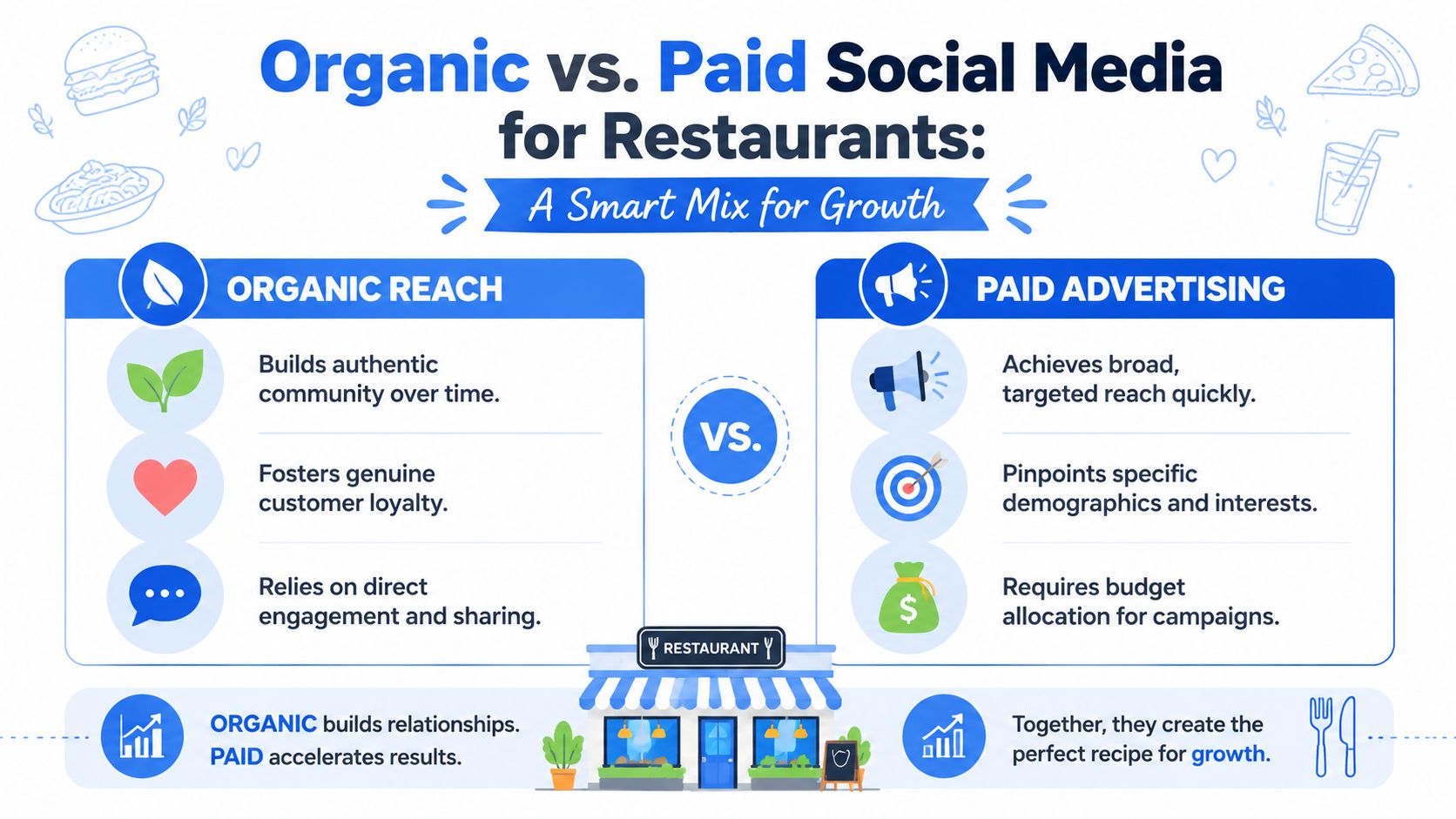
Most operators don't need a huge ad budget. They need a clean division of labor between organic and paid.
What organic should do
Organic content is where you build familiarity. It gives regulars a reason to stay connected and gives new diners enough confidence to try you.
Use organic for:
- Showing consistency. Guests want proof that your restaurant is active, busy, and reliable.
- Handling digital hospitality. Replies, comments, story mentions, and updates all shape trust.
- Keeping your menu top of mind. Seasonal drinks, lunch sets, chef features, and room atmosphere belong here.
- Training demand. If guests repeatedly see premium sides, desserts, or beverage pairings, they're more likely to order them later.
Organic also works well for operational updates. If your brunch menu changed, your patio reopened, or your bakery sold out early, social is a useful service channel.
When paid makes sense
Paid social has a different job. It should target a specific audience for a specific outcome.
Use paid when:
- You need to fill a quieter trading window
- You're launching something new
- You want to push a local event or limited-time offer
- You're opening a new location or testing a new area
A simple way to think about it:
| Organic | Paid |
|---|---|
| Builds community | Buys reach |
| Reinforces loyalty | Targets new diners |
| Supports regular posting | Supports campaigns |
| Better for ongoing presence | Better for time-sensitive pushes |
Don't boost random posts just because they look good. Put money behind posts that already have a clear conversion path. If the ad sends people to a generic homepage, you're wasting budget. Send them to a booking page, event page, or order flow that matches the offer.
If you can't explain what a paid post should produce by the end of the week, don't run it.
For most social media restaurants, a steady organic rhythm plus selective paid support is enough. Consistency beats frantic posting. Focused spend beats casual boosting.
From Feed to Table The QR Menu Integration
Most restaurants drop the ball at this point. They get attention on social, then send people into a generic website, a cluttered menu, or a slow ordering experience.
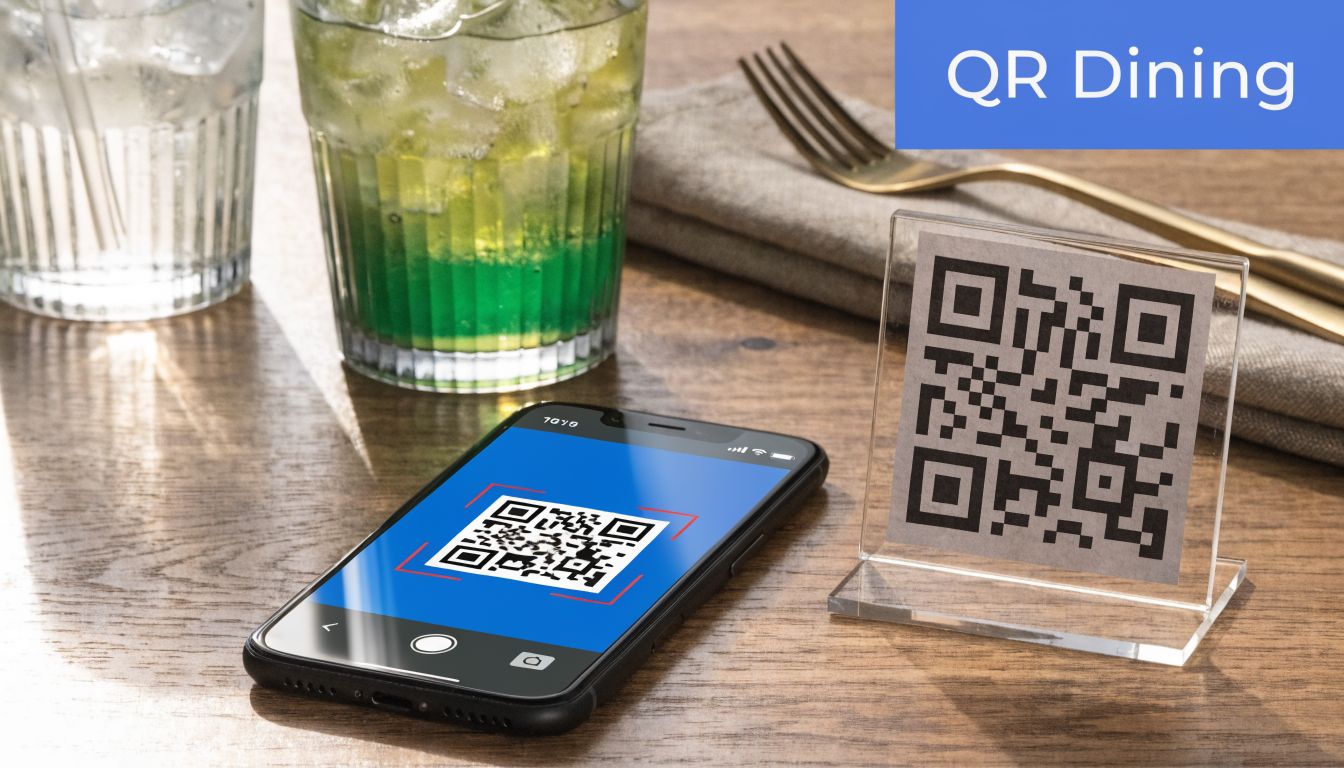
The primary gap in restaurant social advice is simple. It talks about visibility but not about the handoff into revenue. Verified background for this topic notes that guidance often focuses on engagement tactics without giving operators a way to connect impressions to profitable transactions, and that the missing link is tying campaigns to menu analytics through tools such as QR code menu software for restaurants.
Use one path from post to purchase
If you post a spicy margarita special, the guest shouldn't have to hunt for it later. The same offer should appear clearly in your booking flow, ordering page, or QR menu.
That creates a closed loop:
- A post creates interest
- The click sends diners to the exact next step
- The menu reinforces the item
- The order data shows whether the campaign worked
This matters in-service too. A guest might see your content at lunch, walk in for dinner, scan the QR menu, and order what they already recognize. Social did the pre-selling. The menu finishes the job.
Make the menu continue the social story
Use your digital menu like a second sales layer.
Practical moves that work:
Tag promoted items clearly
Add labels such as “popular this week” or “featured on Instagram” so the item feels familiar.Pair the star item with add-ons
If social pushes one dish, the menu should suggest the drink, side, or dessert that makes the ticket stronger.Keep landing pages tight
If the post is about brunch, don't send guests to your full dinner menu.Update quickly
Static menus slow down response. QR menus let operators change features, remove sold-out items, and shift attention to what the kitchen wants to sell.
Here's a short demo of how digital menu flow can support that handoff:
A lot of restaurant marketing fails because the online message and the ordering experience don't match. The feed promises one thing. The menu buries it. Fix that, and social starts acting like a revenue system instead of a content treadmill.
How to Measure Social Media ROI for Your Restaurant
If you only track likes, you'll end up making content that entertains people but doesn't move the business.
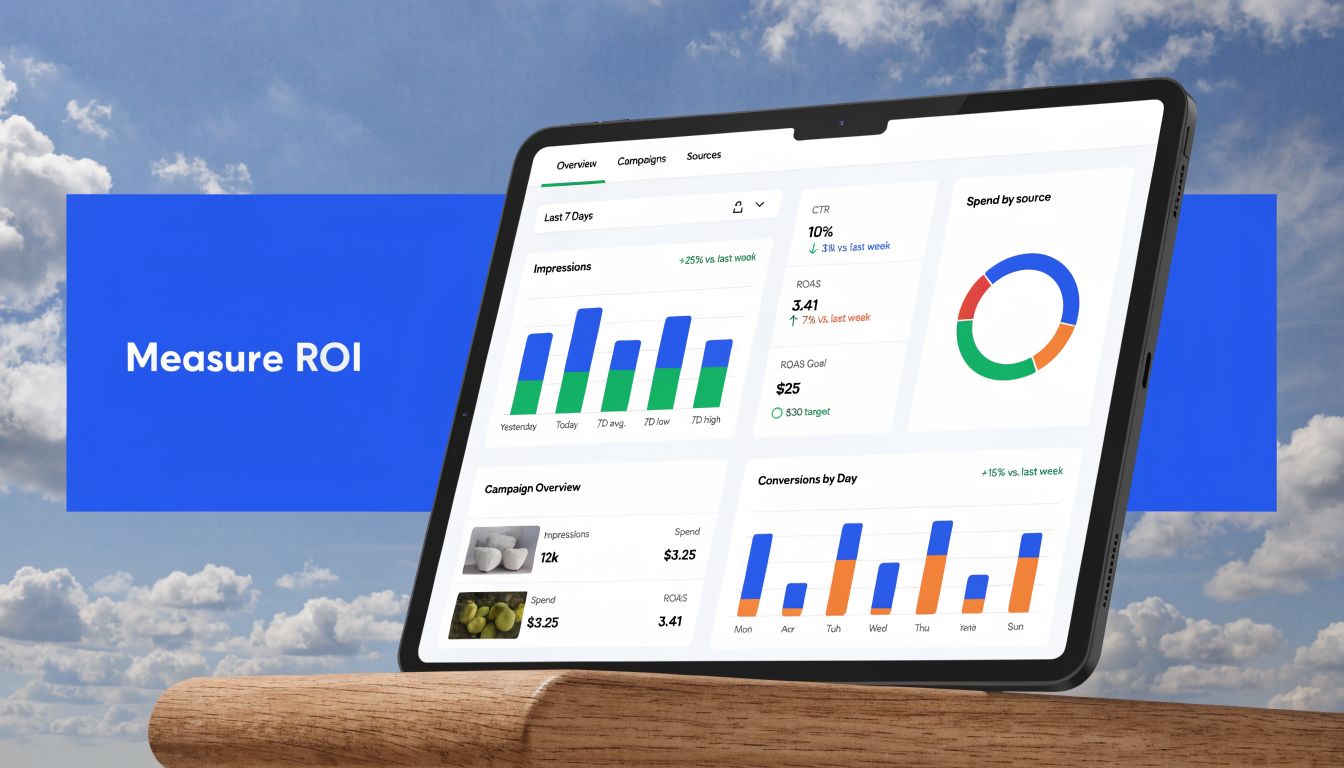
A better approach is full-funnel measurement. Verified guidance from TableNeeds on restaurant social media reporting says reach is a better indicator of audience growth than impressions because it measures unique users, and that the main mistake is optimizing for followers without proving business impact. The stronger benchmark is whether posts create measurable website traffic and downstream conversions.
Track the funnel, not just reactions
Use three layers.
Awareness
This tells you whether people are seeing your content.
Watch:
- Reach for audience expansion
- Impressions for repeat exposure
- Post format performance to spot whether Reels, Stories, or static posts are doing the work
If reach is flat, your content isn't getting discovered enough. If impressions are high but reach is weak, you may be showing the same people the same thing.
Consideration
Interest transforms into intent.
Look at:
- Link clicks
- Saves
- Shares
- Direct messages about bookings, hours, or offers
These signals matter because they show the guest is moving closer to a decision.
Conversion
This is the only layer that proves ROI.
Track:
- Reservations
- Online orders
- Traffic to the menu or ordering page
- Sales of promoted items
- Attach rate of suggested add-ons or bundles
If you have access to restaurant analytics software, review promoted item performance against campaign timing. That's how you stop guessing and start seeing which posts influenced actual purchasing behavior.
A post that gets moderate engagement and sells the right items beats a viral post that sells nothing.
What to review every week
Keep the review simple.
Top post by reach
This shows what expanded awareness.Top post by action
Check which post drove clicks, bookings, or order intent.Promoted item results
Did the featured dish, combo, or premium add-on move?Drop-offs
If people clicked but didn't book or order, the landing experience probably needs work.Negative signals
Complaints, confusion, or repeated questions usually point to messaging problems.
The point isn't to build a massive dashboard. It's to connect content to business outcomes with enough discipline that your next decisions are smarter.
Your Quick-Start Social Media Checklist
If your team needs a reset, start here.
First week actions
Audit your link in bio
Make sure it sends diners to the most useful destination. Bookings, online ordering, or a focused menu page usually beat a generic homepage.Choose one revenue goal
Don't chase everything at once. Pick one priority such as weekday lunch traffic, dessert sales, cocktail pairings, or weekend reservations.Plan one week of content with intent
Include one awareness post, one action post, one trust-building post, and one post built around a high-margin item or bundle.Align the menu with the campaign
If you're pushing a dish on social, make sure guests can find it fast when they land on the menu or scan at the table.Reply like a host, not a brand
Fast answers to simple guest questions reduce friction and help convert interest into visits.Run one focused paid test
Support a specific event, special, or slow day. Don't spend just to “boost visibility.”Review one conversion metric for the month
Track reservations, online orders, or sales of promoted items. Pick one and stay disciplined.
What to stop doing
- Posting without a sales objective
- Sending traffic to the wrong page
- Promoting low-priority items just because they photograph well
- Judging success by follower growth alone
Restaurants don't need more content. They need content that connects to ordering behavior.
If your social media is creating attention but not enough revenue, RevMenue can help close that gap with QR menus, add-on prompts, bundles, and analytics that connect menu performance to what you're promoting online.
