
Most restaurants asking about a menu for Facebook are solving the wrong problem.
They spend time fighting Facebook's clunky menu tab, uploading a PDF that goes out of date fast, or copying menu items into a static page nobody enjoys using on a phone. Meanwhile, guests are tapping your page because they want one thing: a fast path to deciding what to order.
If your Facebook menu experience is slow, stale, or hard to use, you're not just creating annoyance. You're hiding profitable items, losing upsells, and forcing staff to answer questions the menu should handle on its own.
Table of Contents
- Stop Using Facebooks Built-in Menu Feature
- Why a Smart Facebook Menu Drives Real Revenue
- The Professional Way to Add a Menu Link to Your Page
- Optimize the Menu Experience After the Click
- Promote Your Menu Across Your Facebook Presence
- Track Clicks and Troubleshoot Common Issues
Stop Using Facebooks Built-in Menu Feature
If you've tried adding a menu for Facebook the native way, you already know the problem. It's static, awkward, and built more like a basic listing tool than a serious restaurant sales channel.
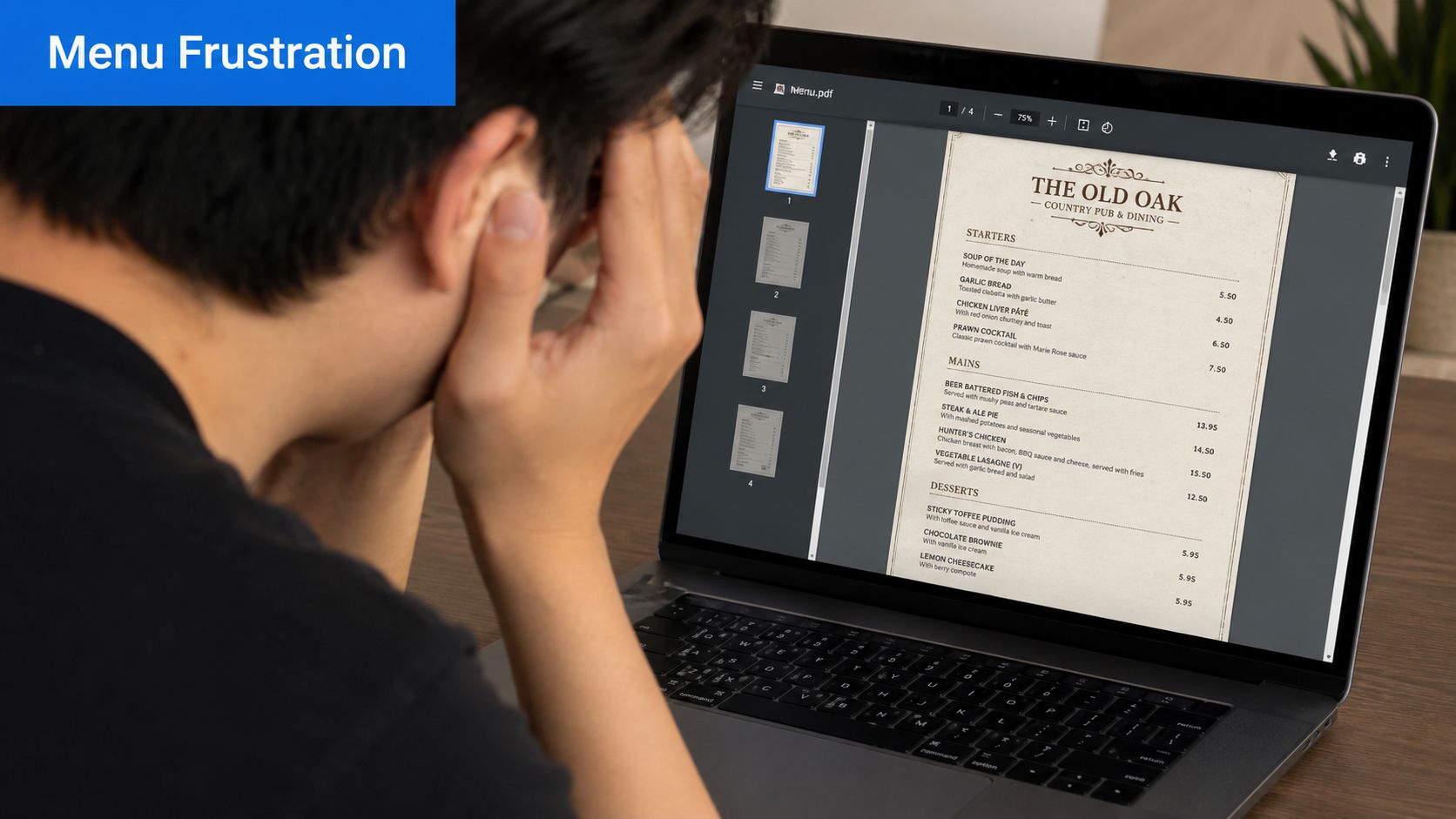
A PDF menu feels easy because it's familiar. It's also one of the fastest ways to create pricing errors, sold-out item confusion, and a bad mobile experience. Static files can't update instantly, can't adapt to service changes, and can't give you useful behavior data. If you're still relying on that format, your Facebook page is acting like a noticeboard, not a revenue tool.
The bigger issue is search intent. Owners search for “menu for Facebook” and get buried in tutorials about personal navigation menus, tab bars, and interface settings. That misses the core hospitality problem entirely. Operators need a live menu that reflects what's available now, works on a phone, and supports ordering behavior.
Facebook's built-in menu feature is fine for displaying information. It's weak at driving profitable decisions.
What the built-in option gets wrong
- It's static: You change prices, run out of specials, or switch service periods. The Facebook version lags behind.
- It's weak on mobile: Diners don't want to pinch, zoom, and hunt through a cramped layout.
- It lacks commercial intent: There's no strong path to highlight high-margin items, steer combos, or support a clean ordering flow.
- It creates duplicate work: Your team updates one menu in-house, another online, and often forgets one of them.
A serious operator needs one live menu destination, not copies scattered across platforms. That's why many restaurants now move traffic from Facebook to a dedicated menu for website setup they control fully.
The better mindset
Stop asking, “How do I use Facebook's menu tool?”
Ask, “How do I turn Facebook traffic into larger, easier orders?”
That shift matters. Once you stop treating Facebook like the place where the menu must live, you can use it properly. As the front door, not the dining room.
Why a Smart Facebook Menu Drives Real Revenue
A proper Facebook menu strategy isn't about looking modern. It's about making ordering easier and making higher-value choices more visible.
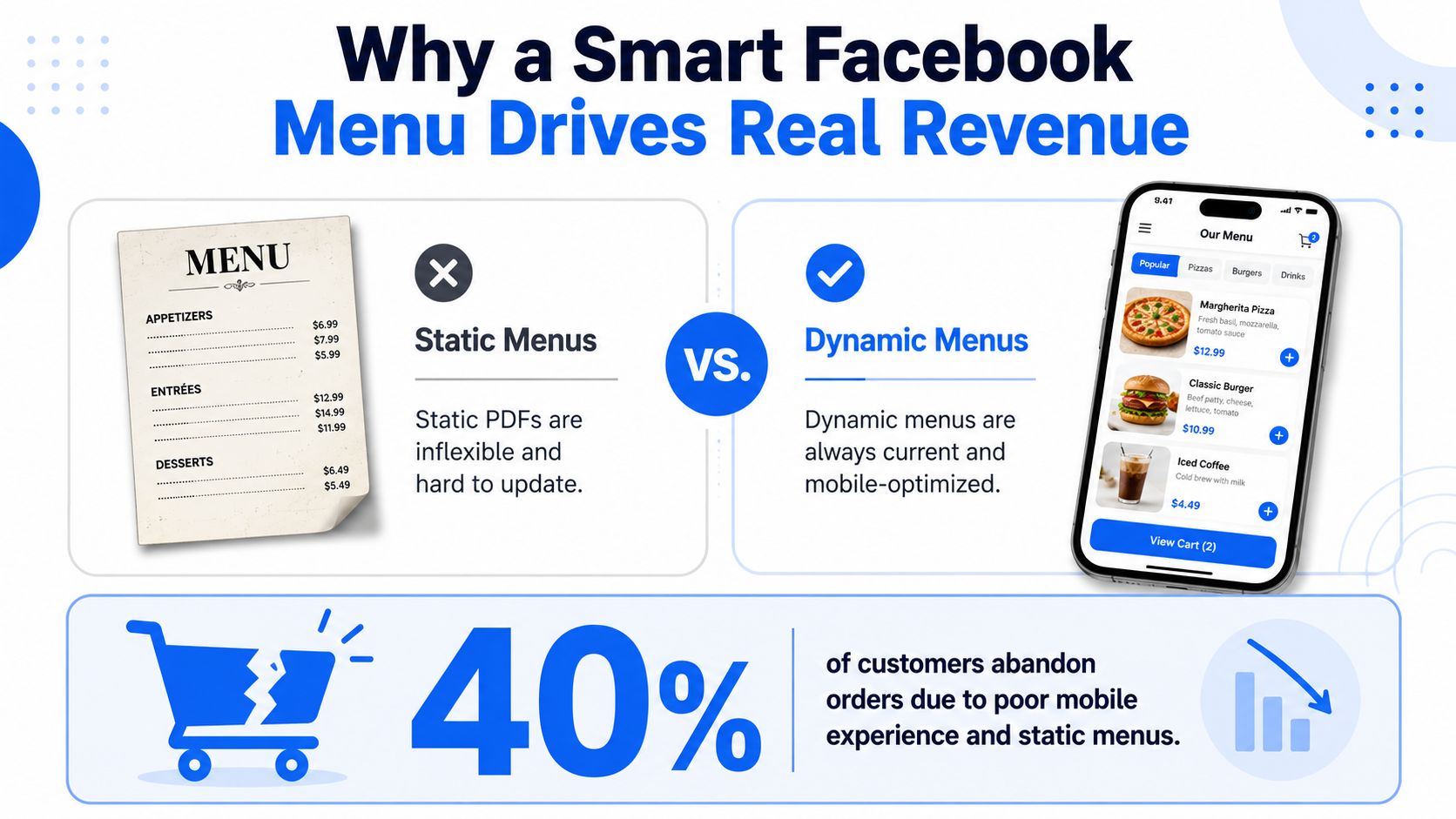
When a guest lands on your page, they're often already in decision mode. If the menu is clear, current, visual, and easy to tap through, you keep that momentum. If it's a dead PDF or a clumsy Facebook-native listing, you lose it.
That matters because poor navigation kills orders. The verified data here is blunt: 40% of users abandon mobile orders due to poor navigation in the documented underserved angle around hidden menus and menu visibility on Facebook's changing interface, as discussed in this Facebook community discussion about hidden menu frustration. Restaurants should pay attention because customers behave the same way with food menus. If they can't find what they want fast, they leave.
The revenue case is already clear
Well-built digital menus don't just reduce friction. They sell better.
According to this QR menu ROI analysis, digital menus set up effectively can increase average checks by 10% to 30% compared to paper-only flows, including a 20% increase in average check at a beachfront venue in Bahrain and 23% to 38% higher spend per tourist at venues using translated, visually rich QR menus.
That result makes sense operationally. A digital menu can:
- Feature profitable items first: House cocktails, premium add-ons, bundles, or limited specials.
- Answer common questions instantly: Allergens, ingredients, modifiers, and availability.
- Reduce staff interruptions: Fewer repetitive questions during service.
- Work all day: Your best-selling prompts don't disappear when the team gets busy.
Why this matters on Facebook specifically
Facebook traffic is often warmer than broad search traffic. People have already seen your page, your food, your comments, or a friend's interaction. They're closer to ordering than casual browsers. Sending them to a polished, conversion-focused destination is one of the simplest ways to improve outcomes.
Practical rule: Don't send paid or organic Facebook traffic to something you can't update instantly.
If you want that traffic to produce better tickets, not just more clicks, the destination has to do real selling. A properly structured restaurant menu optimization workflow gives you that control.
The Professional Way to Add a Menu Link to Your Page
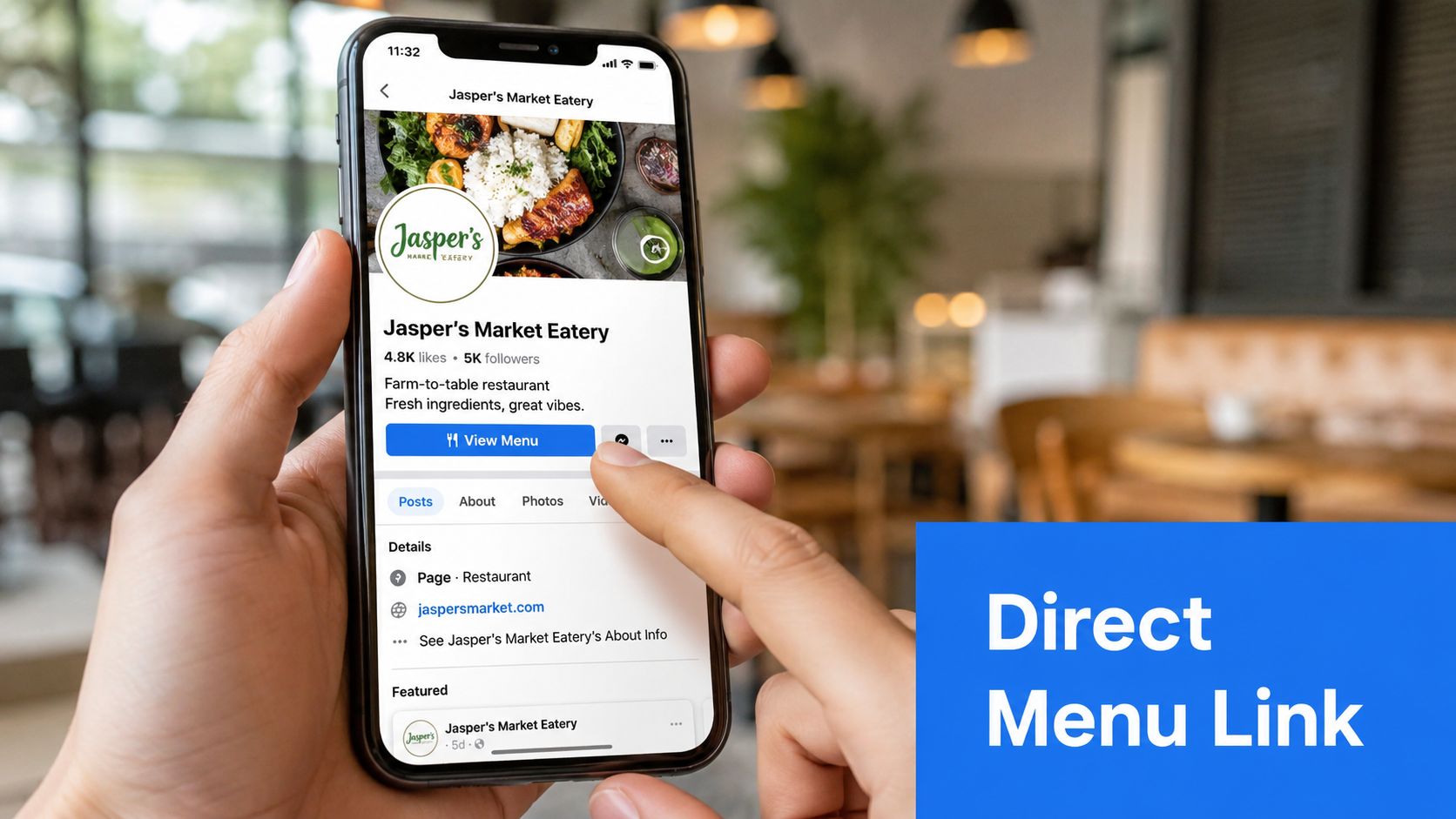
Most owners overcomplicate this. The cleanest answer is also the most effective. Don't build your menu inside Facebook. Link out to your live menu from the most visible places on the page.
Facebook's own interface keeps shifting. Verified data notes that late 2025 updates prioritized feed and search navigation improvements, yet no official documentation exists for integrating dynamic external content menus into the new left-side nav layout, creating friction for hospitality operators, as noted in this video covering Facebook's navigation changes. That's exactly why you shouldn't depend on obscure internal tabs.
Use the CTA button as your primary path
Your page's main button is the professional route.
Use a button such as:
- Order Food
- View Menu
- Shop Now
Send that button directly to your live menu URL. Not a homepage. Not a PDF file. Not a social aggregator page. The fewer extra decisions, the better.
For operators using QR and mobile ordering workflows, a dedicated digital menu QR code landing flow keeps Facebook traffic aligned with the same menu guests use on-premise.
A practical setup looks like this:
- Set the primary CTA button to your live menu.
- Make sure the destination is mobile-first.
- Check that breakfast, lunch, dinner, or drinks are easy to switch between.
- Confirm sold-out items and pricing update in real time.
- Test the full journey on multiple phones before you publish it.
Treat the Menu tab as backup only
If you insist on using Facebook's Menu tab, don't upload a static PDF. Use the text field to describe the experience briefly and direct guests to your live menu link instead.
That gives you one source of truth. It also reduces the risk of one staff member updating the in-store menu while Facebook still shows yesterday's version.
Here's the standard I use with clients:
| Facebook element | Best use | What to avoid |
|---|---|---|
| CTA button | Primary menu path | Sending people to a generic homepage |
| Menu tab | Backup link and short intro | Uploading outdated PDFs |
| Page posts | Promotions and featured items | Posting food photos with no path to order |
A quick walkthrough helps if your team manages pages across locations:
If a guest has to hunt for your menu on Facebook, your setup is wrong.
For multi-location groups, keep this standardized. Every location page should use the same CTA logic, the same naming convention, and the same menu destination structure. Consistency saves admin time and prevents avoidable revenue leaks.
Optimize the Menu Experience After the Click
Getting the click is only the first half. The menu page itself decides whether the guest orders a salad, adds dessert, or gives up.
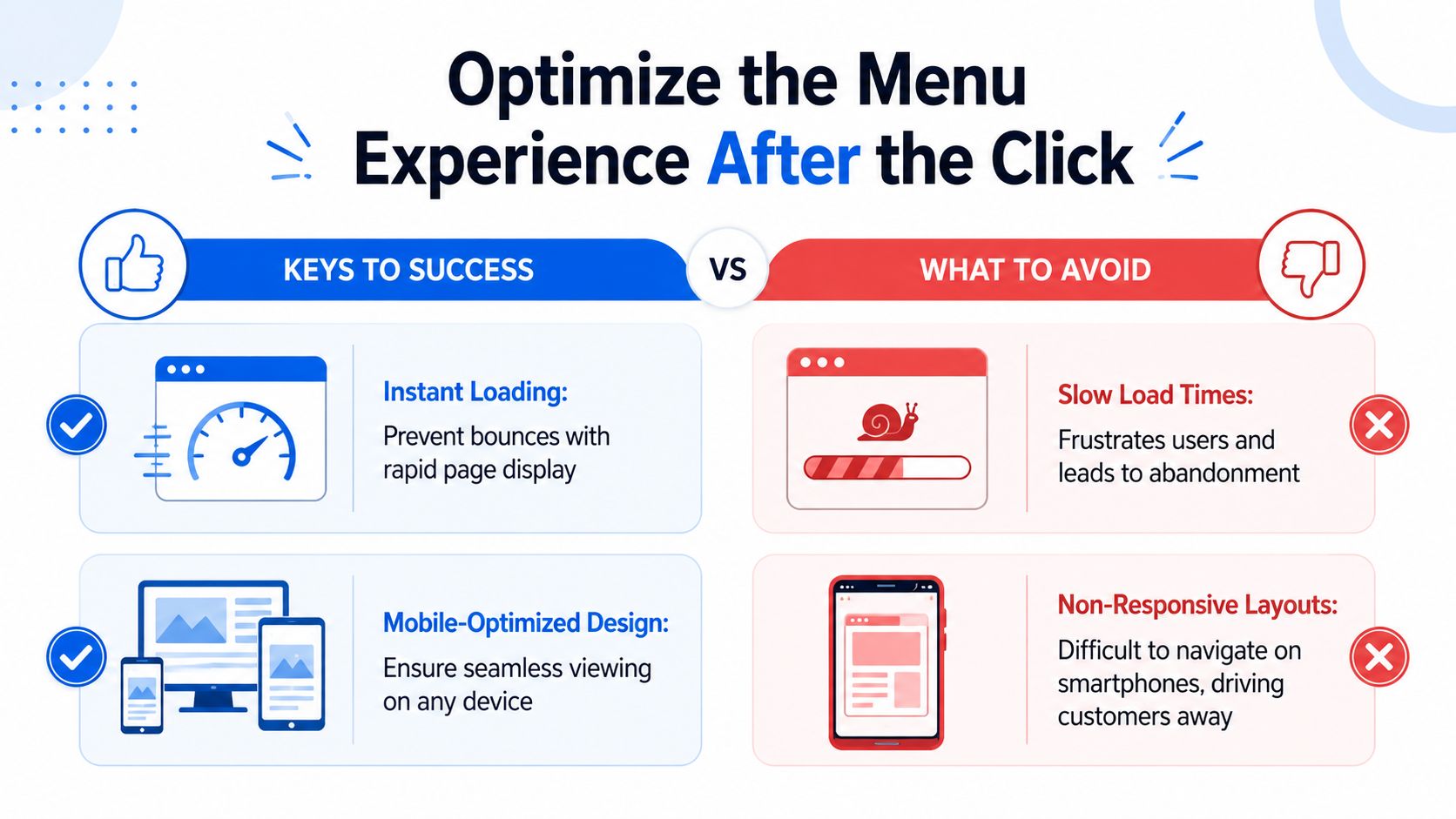
If your menu loads slowly, looks cramped on a phone, or hides key categories, you waste the traffic you worked to earn. Facebook doesn't fix that. Your menu design does.
Fix the mobile basics first
Most guests clicking from Facebook are on mobile. Treat phone usability as the default, not the fallback.
Your menu should have:
- Large tap targets: Guests shouldn't need precision tapping to open categories or modifiers.
- Clear photos: Good visuals help people commit faster.
- Live allergen labels: Useful for trust and speed.
- Fast loading pages: Slow pages create drop-off.
- Readable category flow: Drinks, mains, desserts, kids, specials. Keep it obvious.
A static PDF usually fails at most of that. A live menu page doesn't have to.
Use menu psychology that actually sells
From this, average order value is built.
Don't just display items. Structure choices. Put bestsellers where people see them early. Give specials their own visibility. Present logical add-ons at the moment of decision.
The impact can be meaningful. This digital QR menu case study roundup reports that a small café in Pune achieved an 18% increase in average order value and more frequent combo ordering after adding food images and highlighting bestsellers. It also reports that a multi-cuisine restaurant saw a 25% sales lift on “Today's Special” items after adding a dedicated QR section.
That lines up with what operators see every day. People buy what they notice, understand, and can add quickly.
Put your high-margin choices where commitment happens, not where guests have already decided.
A before-and-after example makes this obvious:
| Weak menu setup | Better menu setup |
|---|---|
| Long text list of mains | Category tiles with photos |
| Specials buried mid-page | “Today's Special” section near the top |
| No prompts | Suggested side, drink, or dessert at item selection |
| Generic descriptions | Short, appetizing descriptions with key modifiers |
A café can use this. Show the signature iced latte first, pair it with pastry add-ons, and make the combo easier to choose than a standalone drink. A casual dining venue can do the same with steak upgrades, extra sides, and dessert prompts.
The menu after the click should feel effortless. If it feels like admin, people won't order like guests. They'll behave like frustrated users.
Promote Your Menu Across Your Facebook Presence
A good menu link shouldn't just sit behind one button. It needs regular visibility across your page, your posts, and your stories.
Most restaurants underuse this. They post a dish photo, maybe a short caption, and stop there. That wastes intent. Every piece of food content should help a guest move one step closer to ordering.
Build a repeatable posting rhythm
Use your Facebook presence like an ordering funnel, not just a content calendar.
A practical weekly rhythm looks like this:
- Pinned post: Keep one permanent post at the top with a direct menu link and a plain-English reason to click.
- Specials post: When you run lunch specials, seasonal items, or limited desserts, post them with a direct menu CTA.
- Stories: Use stories to showcase dishes, drinks, or limited availability and push viewers to the menu.
- Event nights: Quiz night, live music, brunch, game day. Add the menu link so curiosity can turn into orders or bookings.
- Re-share user content: If guests post great food shots, repost them and attach the menu path.
Match the CTA to the content
Your CTA should be blunt and useful. Guests don't need clever copy. They need clear direction.
Verified guidance from this restaurant QR code optimization article notes that adding a clear frame with text like “Scan for Menu” can boost scan rates by 25% to 40% according to industry benchmarks. The same principle applies to digital links. Clear calls to action outperform vague ones.
Use lines like:
- See the full menu
- Order from today's specials
- View drinks and desserts
- Tap to browse the latest menu
- Order food
Plain language wins because it removes uncertainty.
For multi-location operators, keep posts local. A downtown branch should link to its own menu, not a generic group page. A brunch post should land on brunch items. A cocktail reel should lead to drinks, not a homepage where the guest has to start over.
The best Facebook post is the one that shortens the path to an order.
If you want your menu for Facebook to perform, build it into daily publishing habits. Make the menu link a recurring commercial asset, not a one-time setup task.
Track Clicks and Troubleshoot Common Issues
If you can't measure what Facebook traffic does after the click, you're guessing. That's how operators end up changing offers, photos, and pricing with no idea what moved revenue.
Close the loop between clicks and sales
Use tagged menu links so you can separate Facebook traffic from Instagram, Google, email, and QR table traffic. That gives you a clearer view of where high-intent customers come from and what they buy.
Then look beyond clicks. Track:
- Menu visits from Facebook
- Most-viewed items from Facebook visitors
- Orders completed after Facebook visits
- Average order value from Facebook traffic
- Add-on or upsell attachment behavior
Dynamic menus significantly outperform static files. You can see where people drop off, what they open, and which sections create purchases.
There's also a growing upside in smarter upsell logic. According to this restaurant QR ordering market report, pilot programs with AI-driven upsell prompts in QR ordering flows have reported average order value increases of 8% to 14%, while vendors including Olo and Toast report an additional $1.20 to $2.40 per cover versus static menu experiences.
That doesn't mean every restaurant needs gimmicks. It means relevant prompts beat passive display.
Fix the issues that kill performance
If your numbers look weak, the problem is usually one of these:
- High clicks, low orders: Your menu page isn't persuasive enough. Check photos, category structure, modifiers, and load speed.
- Low clicks from Facebook: Your CTA is buried, weakly worded, or disconnected from the post creative.
- Wrong menu showing: Staff are linking to old URLs, old PDFs, or the wrong location.
- Platform confusion: Facebook layout changes hide tabs and features, so your most important path must stay in obvious places like the CTA button and pinned posts.
A simple operating rule helps: change one thing at a time, then watch what happens over a set period before changing something else. That's how real menu optimization works. Not guesswork. Not opinion battles in the group chat.
If a dish gets views and no orders, rework the presentation. If one add-on attaches constantly, make it more visible elsewhere. If lunch traffic converts and dinner doesn't, inspect the menu flow rather than assuming the audience is the problem.
If your Facebook page is still pointing guests to a stale PDF or a clunky native menu, you're leaving easy revenue on the table. RevMenue gives restaurants a faster, live menu experience built for higher checks, cleaner updates, and better decisions from every scan or click.