
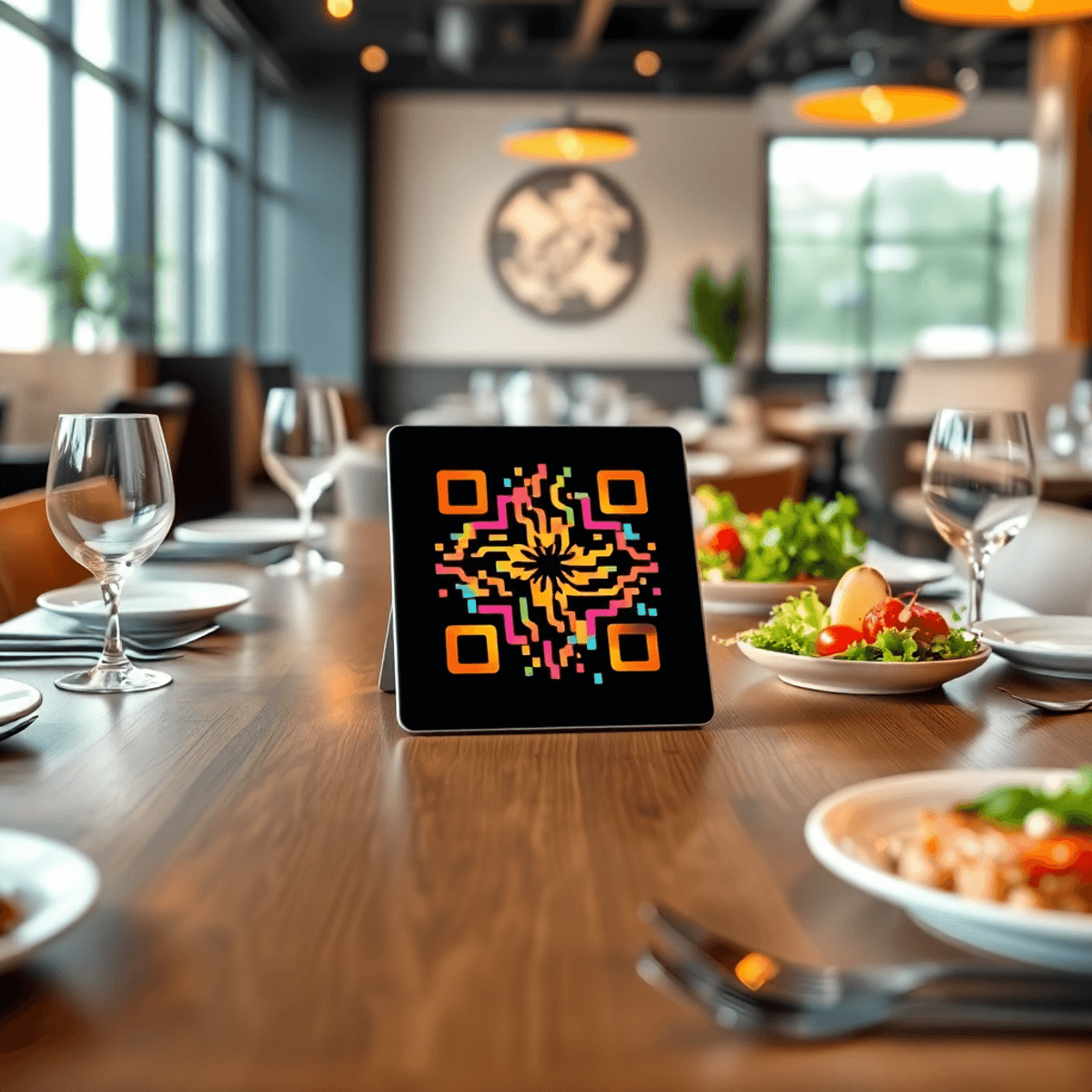
QR code menus are no longer a “nice to have.” They are a direct revenue lever.
The right platform, like RevMenue, helps you sell more, turn tables faster, reduce ordering friction, and keep your menu accurate across every channel. The wrong one creates guest confusion, slows staff down, and becomes yet another system you stop updating after two weeks.
This guide breaks down what to look for before you choose a QR code menu system, with a practical checklist you can use to evaluate options quickly and confidently.
What a QR Code Menu Platform Should Do (Beyond Showing a Menu)
A QR code that opens a PDF is not “menu software.” It’s a workaround.
Modern QR code menu software should help you:
- Increase average order value with smart upsells and add-ons
- Improve guest experience with fast, clear browsing and ordering
- Reduce staff workload with fewer questions and menu reprints
- Keep menus accurate across locations, channels, and dayparts
- Convert more guests with better menu design and item visibility
- Track what’s selling and what’s not with built-in analytics
If a tool only displays your menu, you are leaving money on the table.
1) Mobile Experience: Speed, Readability, and Fewer Taps
Guests decide fast. If your menu loads slowly or feels clunky on mobile, they stop browsing and default to the easiest item.
What to look for
- Fast load time on cellular networks (not just Wi-Fi)
- Clean layout with legible fonts and strong contrast
- Simple category navigation and search
- Sticky cart or “add” buttons (if ordering is enabled)
- Minimal popups and forced steps
Quick test
Open the menu on an older phone using cellular data. If it takes more than a few seconds to load or feels hard to scan, that’s a conversion problem.
2) Menu Engineering Tools That Actually Drive Higher Check Sizes
A great QR menu is not just digital. It is designed to sell.
The best platforms support menu engineering so your highest margin items get attention, and your add-ons are presented at the right time.
Revenue-focused features to prioritize
- Modifier and add-on prompts (extra protein, side upgrades, sauces)
- Smart upsell blocks (pairings, “make it a combo,” popular add-ons)
- Highlights for bestsellers and high-margin items
- Photo support that is optimized for mobile (not heavy, not blurry)
- “Recommended” and “Most popular” tags that are easy to manage
If you want QR menus to increase revenue, you need more than a list of items. You need a system built to influence purchase decisions.
3) Easy Updates: Real-Time Changes Without Reprints
Menus change constantly. Pricing, availability, seasonal items, happy hour, limited specials.
If updates are painful, they stop happening. And guests feel the mismatch immediately.
What to look for
- Real-time publishing (no “wait for approval” delays)
- Bulk editing for prices and modifiers
- Daypart scheduling (breakfast, lunch, dinner, late night)
- Location-based menus for multi-unit restaurants
- 86’ing items (hide sold-out items instantly)
Smart menus made effortless can alleviate these issues significantly.
Red flag
If you need to email support or wait hours for a menu change, that’s not software. That’s a bottleneck.
4) Branding and Customization Without Design Headaches
Your QR menu is an integral part of your dining experience. If it appears generic, your brand will also feel generic.
However, customization should not necessitate hiring a designer every time you add a new item to the menu.
Must-have customization options
- Brand colors, fonts, and layout control
- Custom domain or branded link (optional but valuable)
- Custom QR code design (logo, color, framing)
- Category images or banners (tasteful, not cluttered)
- Optional languages and allergy notes by item
The objective is straightforward: make the menu resonate with your restaurant’s identity, rather than resembling a template.
5) Ordering Options: View-Only vs Pay-at-Table vs Full Ordering
Not every restaurant requires full QR ordering. Some may only want a menu. Others might prefer pay-at-table functionality. While some may opt for full ordering to alleviate labor pressure.
Choosing the right option should align with your service model.
Common setups
- View-only menu: ideal for restaurants aiming for faster browsing and fewer questions
- Pay-at-table: perfect for speeding up table turns and minimizing check handling
- Full QR ordering: best suited for high-volume venues, patios, food halls, and lean staffing models
What to verify if ordering is included
- Cart and modifier flow is seamless on mobile
- Guests have the option to split checks or pay partially (if required)
- Tips and receipts are straightforward
- Orders route correctly to POS or kitchen printers
- Staff can see what table ordered and when
Ordering features only provide value if they reduce friction. If they complicate the process and add steps, you risk losing sales.
For restaurants looking to streamline operations while maintaining service quality, exploring restaurant task management software could be beneficial. Additionally, if you’re considering selling your restaurant business in the future, it’s crucial to be aware of the selling restaurant business checklist.
Moreover, managing labor costs effectively is essential in the restaurant industry. Implementing strategies from our guide on how to control labor costs in a restaurant without hurting service can significantly improve your bottom line.
Lastly, for those looking to enhance their online presence or streamline their menu customization process without design headaches, our custom form solution can simplify this process significantly.
6) POS Integrations (Or at Least a Clean Workflow)
Integrations can be a major advantage, but only if they are stable and easy to maintain.
If a platform claims POS integration, ask exactly what that means.
Integration questions to ask
- Does it sync items, modifiers, and prices automatically?
- Does it push orders directly into the POS?
- What happens when you update the menu in the POS?
- How often does it sync?
- Who supports the integration if something breaks?
If there’s no integration, that’s not always a dealbreaker. But you should at least have:
- Simple export options (CSV)
- Clear kitchen routing (if ordering)
- A repeatable workflow your team will actually follow
7) Analytics: Know What Guests View, Click, and Buy
A QR menu creates data you never had with paper menus.
The best platforms surface insights that help you make smarter decisions quickly.
Analytics that matter
- Item views and clicks (what guests are interested in)
- Add-on attach rate (how often modifiers get added)
- Top-selling items and slow movers
- Category performance
- Time-of-day patterns (what sells at lunch vs dinner)
- Conversion rate (views to adds, adds to orders if ordering is enabled)
If your current menu “feels” fine but margins are tight, this is where the wins come from.
8) Multi-Location Controls and Permissions
If you run more than one location, you need control without chaos.
What to look for
- Location-level menu variations (pricing, availability, specials)
- Role-based permissions (owner, manager, staff)
- Audit history (who changed what and when)
- Centralized brand control with local flexibility
Without this, multi-unit menu management becomes a spreadsheet nightmare.
9) Accessibility and Guest Trust
A QR menu should work for everyone, including guests with accessibility needs and guests who are cautious about scanning codes.
Basics to check
- No forced app download
- SSL-secured links (https)
- Accessible font sizes and contrast
- Clear allergen and dietary labels
- Compatibility across iOS and Android browsers
Also, look for QR codes that can include a small line of text like “Scan for menu” plus the URL beneath it. It helps guests who prefer not to scan.
10) Support and Onboarding: Can You Launch This Week?
Restaurants do not have time for long implementations.
A strong vendor should help you launch quickly and keep things running smoothly.
What good support looks like
- Fast initial setup or done-for-you menu build option
- Templates that work for your service style
- Responsive chat or email support
- Clear help docs and videos for staff
- Ongoing optimization suggestions (not just technical help)
If the platform is “self-serve” but confusing, you will pay for it in time and lost sales.
A Practical Checklist to Compare QR Menu Platforms
Use this to evaluate tools in 10 minutes.
Guest experience
- Loads fast on cellular
- Easy navigation and search
- Clean layout and readable design
- Works without downloading an app
Revenue and conversion
- Add-ons and modifiers are easy to add
- Upsells and recommendations are supported
- Highlights for bestsellers and high-margin items
- Mobile-optimized photos
Operations
- Real-time updates
- Daypart scheduling
- 86 items instantly
- Multi-location controls (if needed)
Payments and ordering (if needed)
- Pay-at-table option
- Full QR ordering option
- Smooth checkout and tipping
- Kitchen/POS routing is reliable
Reporting
- Item performance analytics
- Attach rate for modifiers
- Time-of-day trends
Vendor fit
- Onboarding support
- Clear pricing
- Responsive customer service
Where RevMenue Fits (If You Want Revenue, Not Just a Digital Menu)
If your goal is to make QR menus contribute to revenue, not just replace paper, RevMenue is built for that outcome.
RevMenue focuses on helping restaurants:
- Present menus in a mobile-first format that is easy to browse, making digital menus simple
- Increase check size through better menu structure and add-on flows
- Update items, pricing, and availability quickly without friction
- Track performance so you can improve what sells week over week
If you want to see how it performs for your concept, you can try RevMenue’s free 14-day trial and test it live on your tables before committing.
Common Mistakes to Avoid When Choosing QR Code Menu Software
Choosing based on price alone
The cheapest tool often costs more in lost sales and time. A small lift in average order value pays for the right platform quickly.
Using a PDF menu
PDFs are hard to read on phones, slow to load, and impossible to optimize for conversion.
Ignoring menu engineering
If the platform cannot support modifiers, upsells, highlights, and analytics, it is not helping you grow revenue. For valuable insights on how to effectively leverage these features, consider exploring customer insights provided by RevMenue.
Overcomplicating the guest flow
More steps equals fewer orders. Keep it simple.
Skipping a real in-restaurant test
Test it at a busy time. Have staff and a few regulars use it. Watch where they get stuck.
FAQ: QR Code Menu Software for Restaurants
What is the difference between a QR code menu and a digital menu PDF?
A QR code menu platform is mobile-optimized, searchable, and easy to update in real time. A PDF is static, harder to read on phones, and typically requires re-uploading every time you change something.
Do QR code menus increase restaurant revenue?
They can, if the platform supports revenue-driving features like modifiers, upsells, item highlights, and performance analytics. A basic view-only menu without optimization usually delivers smaller gains. Consider using menu optimization strategies to maximize revenue.
Should I choose view-only or full QR ordering?
It depends on your service model:
- View-only is best if you want better browsing and fewer staff interruptions.
- Full QR ordering is best if you need labor efficiency and faster ordering throughput.
- Pay-at-table is best if you want faster table turns and easier payment handling.
What should I look for in QR code menu analytics?
Prioritize item views, top performers, slow movers, modifier attach rate, and time-of-day trends. These insights help you refine pricing, positioning, and menu layout.
Are QR code menus secure?
They can be, as long as the provider uses secure HTTPS links and does not require risky downloads. It also helps to print the URL under the QR code so guests can verify where it goes.
To further streamline your restaurant operations during peak hours, consider implementing some restaurant management software for busy owners that can assist with various tasks including order management and customer service. Additionally, exploring digital menu board software for restaurants could enhance your digital presence and improve customer experience.
How fast can a restaurant launch a QR code menu?
With the right platform and onboarding process, many restaurants can launch in a day or two. However, complexity increases with multi-location needs, large modifier trees, and POS integrations.
Can I update prices and availability instantly?
You should be able to. Real-time updates and 86’ing items are core features in any serious QR code menu software. If updates take hours or require support tickets, keep looking. A good QR code menu software should integrate with your restaurant KPI software for real-time performance, making such updates seamless.
Is a custom-branded QR code worth it?
Yes. A branded QR code and menu experience improves trust and feels more professional. It also reduces the “random link” hesitation some guests have with scanning codes.
If you evaluate platforms using the checklist above and test the guest experience on real tables, you will choose a QR code menu solution that not only improves operations but also drives measurable revenue. Furthermore, implementing a restaurant waitlist software that reduces walkouts can further enhance customer satisfaction and retention.
