
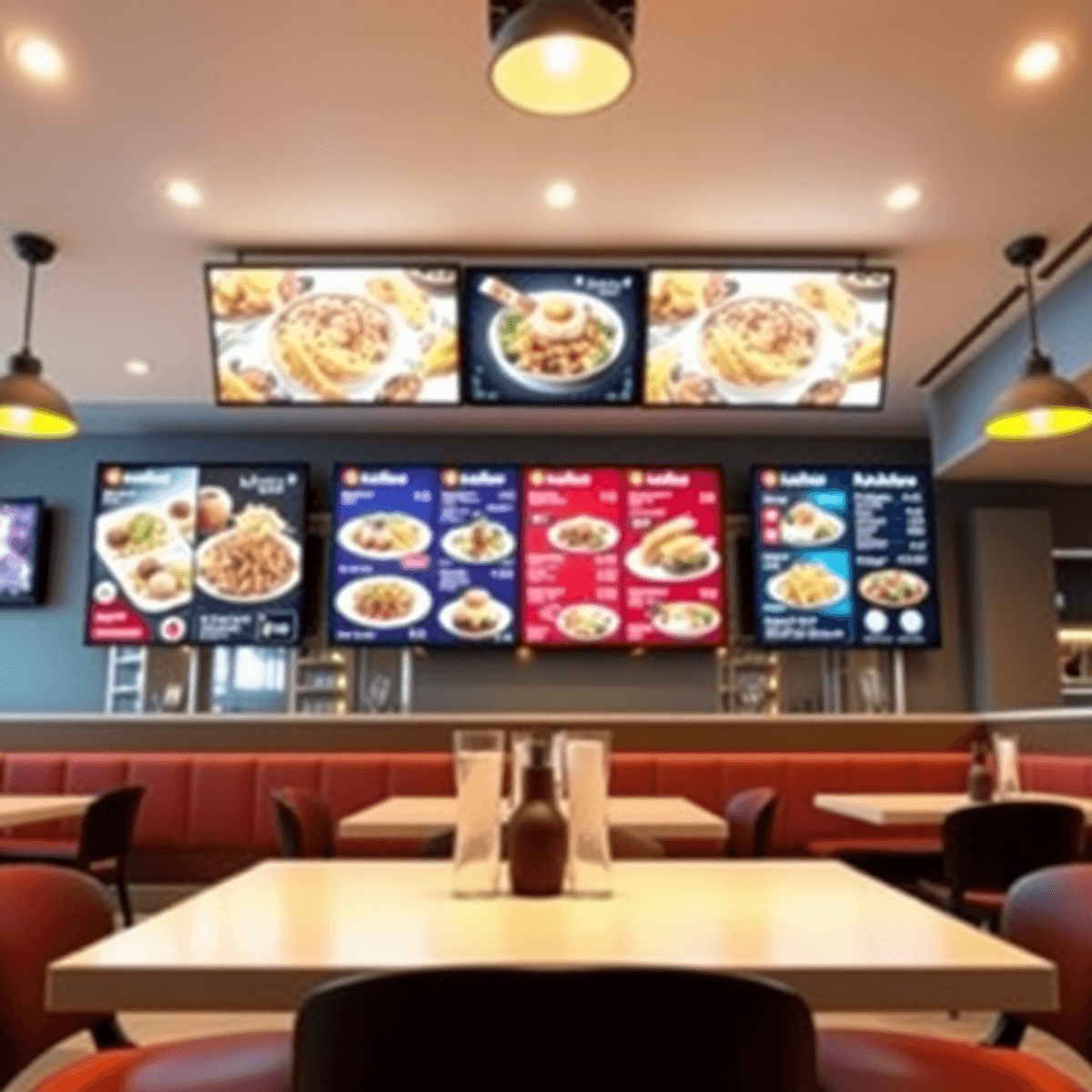
If you run a restaurant, your menu is your best salesperson. It decides what guests notice first, what they buy, and how quickly they order.
Digital menu board software turns that “menu” into a real revenue channel. You can update prices instantly, spotlight high-margin items, run daypart promos automatically, and keep every screen consistent across locations.
In this guide, I’ll break down the best digital menu board software for restaurants in 2026, what to look for, and how to choose the right fit based on your concept.
What the best digital menu board software should do in 2026
A basic tool that “puts your menu on a TV” is not enough anymore. The best platforms help you sell more, reduce mistakes, and simplify operations.
Here are the capabilities that matter most:
- Fast menu updates across one or many locations
- Daypart scheduling (breakfast, lunch, dinner, late night)
- Promotions and limited-time offers that can run automatically
- Easy design tools (templates, drag-and-drop, brand control)
- Multi-screen support with layouts for different screen sizes
- Reliable playback with offline support when Wi-Fi drops
- Role-based access so managers can’t accidentally break your brand
- POS and data integrations (when you want deeper automation)
- Centralized management for multi-unit operators
- Analytics to measure what’s working
If a platform misses the first five, it’s usually a pain to run in a real restaurant.
Best digital menu board software for restaurants (2026)
1) RevMenue (Best for increasing revenue with smarter menu strategy)
RevMenue is built for restaurants that want more than “pretty screens.” It focuses on helping you sell higher-margin items, run smarter promos, and keep menus accurate across screens and locations.
If your goal is revenue, speed, and consistency, this is the platform to shortlist first.
Why RevMenue stands out in 2026
- Menu engineering built in: highlight items you want to sell more of, not just what looks nice
- Promotions that run themselves: schedule LTOs, combos, upsells, and daypart pricing without daily manual edits
- Fast updates: make a change once and push it everywhere
- Brand consistency: templates and layout controls keep every location on-brand
- Designed for restaurants: workflows match how real operators work (not generic digital signage)
Best for
- QSRs, fast casual, cafes, multi-location brands, and any operator who wants menu boards to drive measurable sales
Try RevMenue free for 14 days: If you want to see how much revenue lift you can get from better on-screen placement and scheduling, start a RevMenu 14-day free trial and test it with your real menu and promos.
2) ScreenCloud (Best for simple, polished digital signage + menu boards)
ScreenCloud is a strong choice if you want an easy-to-use digital signage platform that can also handle menu boards well. It’s flexible, stable, and widely used across industries.
Key strengths
- Clean interface and easy deployment
- Works well across many device types
- Good content management for brands with multiple screens
Limitations
- More general signage than restaurant-first menu engineering
- Advanced restaurant promo logic may require extra process
Best for
- Restaurants that want simple digital menu boards and also run other signage content (events, brand videos, announcements)
3) NoviSign (Best for template-based menus and quick rollout)
NoviSign is a solid option for operators who want menu boards live quickly without a lot of custom development. It’s template-forward and supports scheduling and multi-screen management.
Key strengths
- Lots of templates
- Easy scheduling and playback management
- Useful for multi-screen layouts
Limitations
- Not as “restaurant-ops” focused as tools like RevMenue
- Custom design control can depend on your setup
Best for
- Small to mid-size restaurants that want fast setup with minimal training
4) Raydiant (Best for in-store experience and integrated signage)
Raydiant is positioned more broadly around in-store experience. If you want menu boards plus other on-premise content and a more “experience” style approach, it’s worth a look.
Key strengths
- Strong for experience-driven signage beyond menus
- Hardware and software ecosystem can simplify purchasing
Limitations
- Can be more than you need if you only want menu boards
- Restaurant-specific menu workflows vary by setup
Best for
- Concepts that care heavily about ambiance and rotating in-store content alongside menus
5) TelemetryTV (Best for IT-friendly deployments and larger screen networks)
TelemetryTV is a digital signage platform that can be configured for menu boards and is often chosen where centralized control and device management matter.
Key strengths
- Good for large fleets of screens
- Strong admin and governance features
- Helpful if you have IT involvement
Limitations
- Menu board workflow is not always restaurant-first out of the box
- Might require more setup for a pure restaurant environment
Best for
- Multi-location brands that need stronger governance and device control
6) Yodeck (Best budget-friendly option with solid core features)
Yodeck is known as a cost-effective signage solution that can handle menu boards, especially for smaller operators. If budget is your top constraint, it’s a practical choice.
Key strengths
- Affordable entry point
- Scheduling and templates cover the basics
- Good for straightforward menu boards
Limitations
- Less focus on revenue-focused menu strategy
- Advanced restaurant workflows can be limited
Best for
- Single-location restaurants and cafes that need functional menu boards without a premium stack
How to choose the right platform (quick decision guide)
If you want the simplest way to shortlist software, use this:
- If your priority is revenue lift and promo control: choose RevMenue
- If you want general signage plus menu boards: choose ScreenCloud or Raydiant
- If you want quick template rollout: choose NoviSign
- If you manage a large screen network with IT needs: choose TelemetryTV
- If budget is the main constraint: choose Yodeck
Digital menu boards: the real ROI drivers
A digital menu board should do more than reduce printing costs. The real payback usually comes from better selling and fewer operational mistakes.
Here are the biggest ROI levers:
1) Sell more high-margin items
When you control placement, size, and visibility, you can push the items that improve profit per ticket.
Look for software that supports:
- Featured item callouts
- Combos and add-ons
- Strategic positioning by daypart
2) Run daypart and LTO promotions automatically
Manual promo changes are where restaurants lose money and create inconsistency.
The right software should let you:
- Schedule content by time and day
- Swap breakfast to lunch automatically
- Run limited-time promos and remove them on the correct date
3) Reduce order friction
Clear, readable menus speed up ordering and reduce confusion.
Prioritize:
- Clean layouts for quick scanning
- Multi-screen organization (categories separated logically)
- Consistent pricing and item naming
4) Keep every location consistent
For multi-unit brands, consistency is revenue protection.
Make sure the platform supports:
- Location groups
- Approval workflows
- Brand templates that can’t be easily broken
Must-have features checklist (use this before you buy)
Here’s a practical checklist to evaluate any digital menu board software:
Menu management
- Central menu editor
- Easy price changes
- Item availability toggles (86, seasonal)
Scheduling
- Daypart scheduling
- Date-based campaigns (start and end dates)
- Screen-by-screen scheduling
Design
- Restaurant templates
- Drag-and-drop layouts
- Support for photos and video (without slowing playback)
Operations
- Multi-location publishing
- Roles and permissions
- Version history or rollback (optional but valuable)
Reliability
- Offline playback mode
- Monitoring and alerts (screen offline notifications)
- Fast load times
Integrations (optional, but useful)
- POS integration
- Ordering platforms
- Data feeds (prices, inventory, promos)
If a vendor can’t clearly show how they handle scheduling, publishing, and reliability, you will feel it during service.
Implementation tips (so your menu boards actually perform)
Software is only half the equation. How you set up your boards determines whether they boost ticket size or just look modern.
Use these best practices:
- Keep categories tight: fewer items on screen improves decision speed
- Lead with what you want to sell: place best-margin items in prime positions
- Use pricing cleanly: avoid clutter like long descriptions everywhere
- Make add-ons obvious: sides, drinks, and upgrades should be visible without hunting
- Schedule promos by behavior: breakfast commuters, lunch rush, late-night deals
- Test one change at a time: measure impact before redesigning everything
If you want a fast win, start with one screen dedicated to featured combos or bundles.
Recommended picks by restaurant type (2026)
QSR and fast casual
- RevMenue for scheduling, promos, and consistent multi-screen layouts
- TelemetryTV if you need heavy device management
Cafes and coffee shops
- RevMenue if you rotate daypart items and seasonal LTOs often
- Yodeck if you want a budget-friendly baseline
Bars and entertainment venues
- ScreenCloud or Raydiant for menus plus event programming and content rotation
- RevMenue if food and bundles are a major revenue driver
Multi-location chains
- RevMenue for centralized control and revenue-focused menu execution
- TelemetryTV for IT governance and large deployments
FAQ: Digital menu board software for restaurants (2026)
What is digital menu board software?
Digital menu board software lets you design, schedule, and display your menu on TVs or commercial displays. You can update pricing, highlight items, and run promos without printing new menus.
How much does digital menu board software cost?
Pricing varies based on screen count, features, and whether hardware is included. Most platforms charge per screen per month. Multi-location brands should also plan for setup and template work if needed.
Do digital menu boards increase revenue?
They can, especially when used to promote high-margin items, bundles, and add-ons. The biggest gains usually come from better item visibility, daypart promos, and fewer “forgotten” LTO removals.
What hardware do I need?
You typically need:
- A TV or commercial display
- A media player (or a smart TV app, depending on the platform)
- Internet connection (offline playback is a plus)
Some vendors also sell bundled hardware, which can simplify deployment.
Can I schedule breakfast, lunch, and dinner menus automatically?
Yes, if the platform supports daypart scheduling. This is one of the most important features for restaurants because it reduces manual work and prevents wrong-menu mistakes.
Is digital signage software the same as menu board software?
Not always. Many digital signage tools can display menus, but restaurant-focused menu board software usually offers better menu workflows, daypart controls, and promo execution that matches restaurant operations.
What’s the easiest platform to manage across multiple locations?
Look for centralized publishing, location groups, templates, and role-based permissions. Restaurant-specific platforms like RevMenue are typically easier for operators because the workflow is built around menu changes and promotions.
Can I try RevMenue before committing?
Yes. RevMenue offers a 14-day free trial, so you can test it with your real menu boards, daypart schedules, and promotions before rolling it out.
